
If you recently looked for writing and formatting software for your books or novels, then you’ve probably ended up seeing Atticus a lot. And if you did dig up a little bit deeper, you already know what most users have been constantly reporting about Atticus, both its pros and cons.
If you haven’t, don’t worry, I’ll explain everything. But for now, whether you’re a beginner writer who’s getting ready to write, format, and self-publish their first book, novel, e-book, or whichever type of book, someone who’s been happily using Google Docs or Microsoft Word but needs something better, or even a professional author who’s thinking of switching to Atticus in 2026, this review will cover all your questions.
What is Atticus?
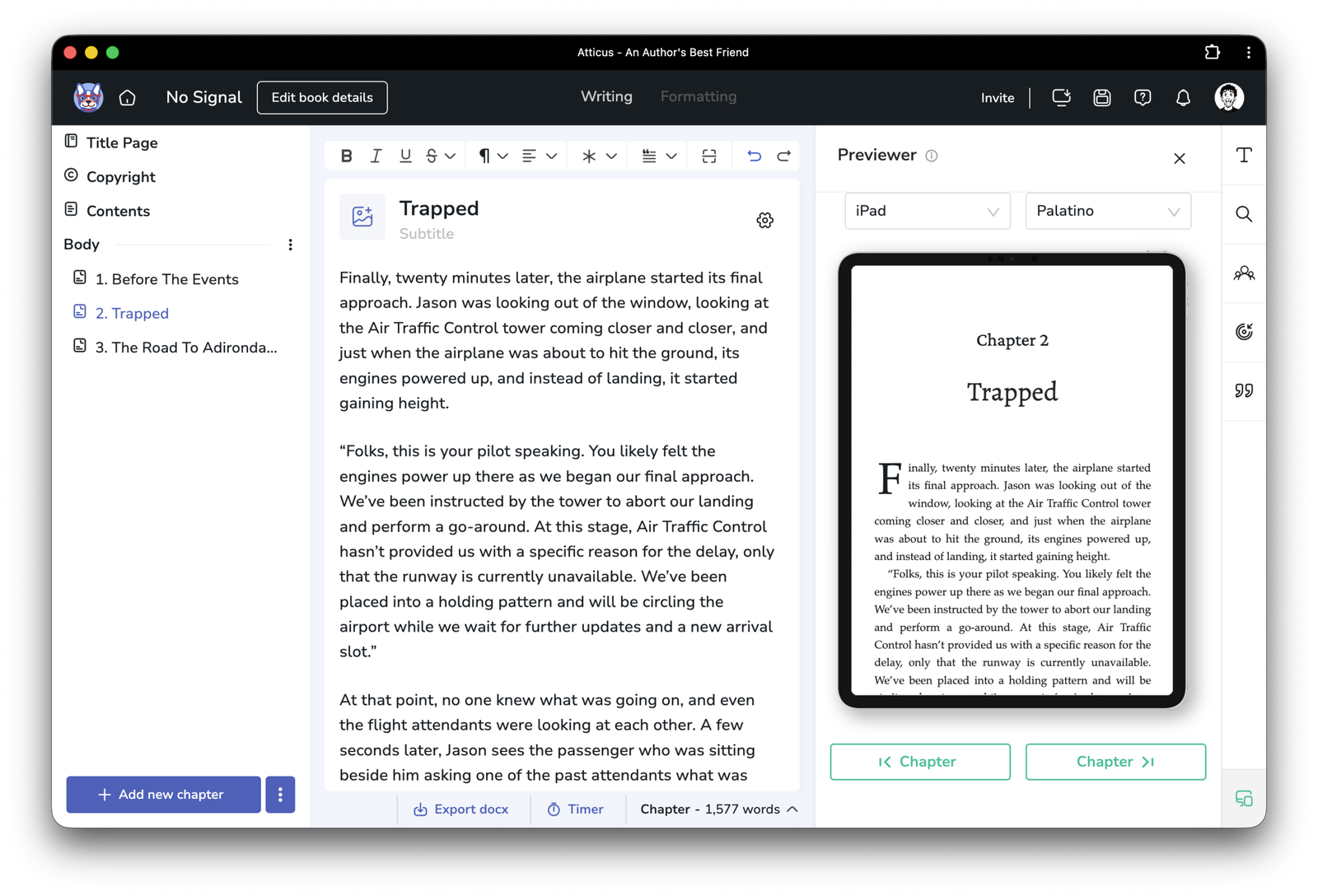
Atticus is a premium web-based writing and formatting tool that anyone can use to quickly write, format, and export their books for Print-ready PDF, EPUB, and other commonly used formats. It’s often called “the best alternative to Atticus and Scrivener”, and for all the right reasons.
Currently, Atticus is priced at $147,00 (VAT is not included) as a one-time payment. That means you buy it once, and you get free updates for as long as the company or team behind it keeps supporting it. “Lifetime updates” literally doesn’t translate to “forever”.
As of this moment, Atticus is available through its website (the web-based version) and through its Windows, macOS, Linux, and Chromebook “applications” (mind the quotation marks).
The strongest features of Atticus
Unlike many other writing and formatting apps, Atticus is packed with robust features and options that just make any author’s life a whole lot easier. There’s no need to hire someone to format your book or novel anymore; it’s a “do it yourself” kind of app that lets you do everything on your own.
But to make sure that Atticus is actually for you, I’ve made a simple table with all of its features, along with the ones that got implemented/released in late 2025 or in 2026.
| Category | Feature Name | Description & Functionality |
| Writing & Editing | Word Processing | A distraction-free writing environment with standard text formatting (bold, italics, etc.) and spell check. |
| Goal Tracking | Set project-based word count goals and track writing habits/streaks. | |
| Navigation | Drag-and-drop chapter management; easily rearrange scenes and chapters via the sidebar. | |
| Timer | Built-in sprint timer to track writing sessions. | |
| Writing Modes | Includes the recently released Dark Mode (Jan 2026) and Focus Mode. | |
| ProWritingAid Integration | Compatible with the ProWritingAid browser extension for grammar and style checking. | |
| Offline Mode | Browser-based PWA (Progressive Web App) allows for offline writing with sync upon reconnection. | |
| Formatting & Design | Theme Builder | Create custom themes or choose from 17+ pre-built templates. Customize fonts, headers, and sizes. |
| Custom Headers | Extensive control over chapter titles, subtitles, numbering, and header images. | |
| Text Decoration | Includes specialized formatting for Text Messages (bubbles), Callout Boxes, and Blockquotes. | |
| Ornamental Breaks | 30+ custom scene break images or upload your own. | |
| Full Bleed Images | Support for images that extend to the edge of the page (ideal for fantasy/sci-fi maps). | |
| Front/Back Matter | One-click templates for Copyright, Dedication, Acknowledgments, Also By, etc. | |
| Large Print | Automatic reconfiguration to meet large print accessibility standards (font size 16pt+, sans-serif, etc.). | |
| Font Library | Access to over 1,500 fonts, plus the ability to upload custom fonts. | |
| Exporting & Publishing | Multi-Format Export | Exports EPUB (ebooks), PDF (print-ready), and DOCX (editing). |
| Real-Time Previewer | Preview how the book looks on specific devices (Kindle, iPad, Print) as you edit. | |
| Print Trim Sizes | Pre-loaded industry-standard trim sizes (e.g., 5×8, 6×9) compatible with KDP and IngramSpark. | |
| Box Set Creation | Merge multiple existing Atticus book files into a single volume/box set automatically. | |
| Volume Support | Organize books into Parts and Volumes with distinct title pages. | |
| Platform & Tech | Cross-Platform | Works on Windows, Mac, Linux, and Chromebooks via web browser. |
| Cloud Storage | Automatic cloud saving and backups; access projects from any device. | |
| Collaboration | Invite editors or co-authors to view/edit the manuscript (requires them to have an account). | |
| Recent Updates (2025/26) | Dark Mode Theme | Full UI dark mode for low-light writing environments (Released Jan 2026). |
| Hanging Indents | New formatting block for specialized lists and bibliography styles. | |
| Speed Improvements | Enhanced chapter-to-chapter loading speed and reduced syncing lag (Late 2025). | |
| Booklinker Integration | Native support for universal book links within the back matter. |
While Atticus seems to have all the features that an author may need to successfully write, format, and export a book, which is true to some point, it does lack a few handy features that other writing and formatting tools already provide built-in, including a spelling and grammar checker with a tone and pacing assistant.
You may also find the lack of sub-chapter creation a big drawback. Although that won’t be a problem for fiction writers, technical books are typically filled with sub-chapters, and being unable to add them may ruin your plans.
Testing Atticus for novel writing
If there’s one thing that I learn by testing every single writing and formatting app that I could find is this: If it can handle a sci-fi novel, it can handle everything else. That’s mostly because many apps will fail when you’re abusing them with novels that have over 70,000 words, resulting in slower loading times, lagging, delay in writing, and so many more frustrating things that I always hate experiencing.
The interface
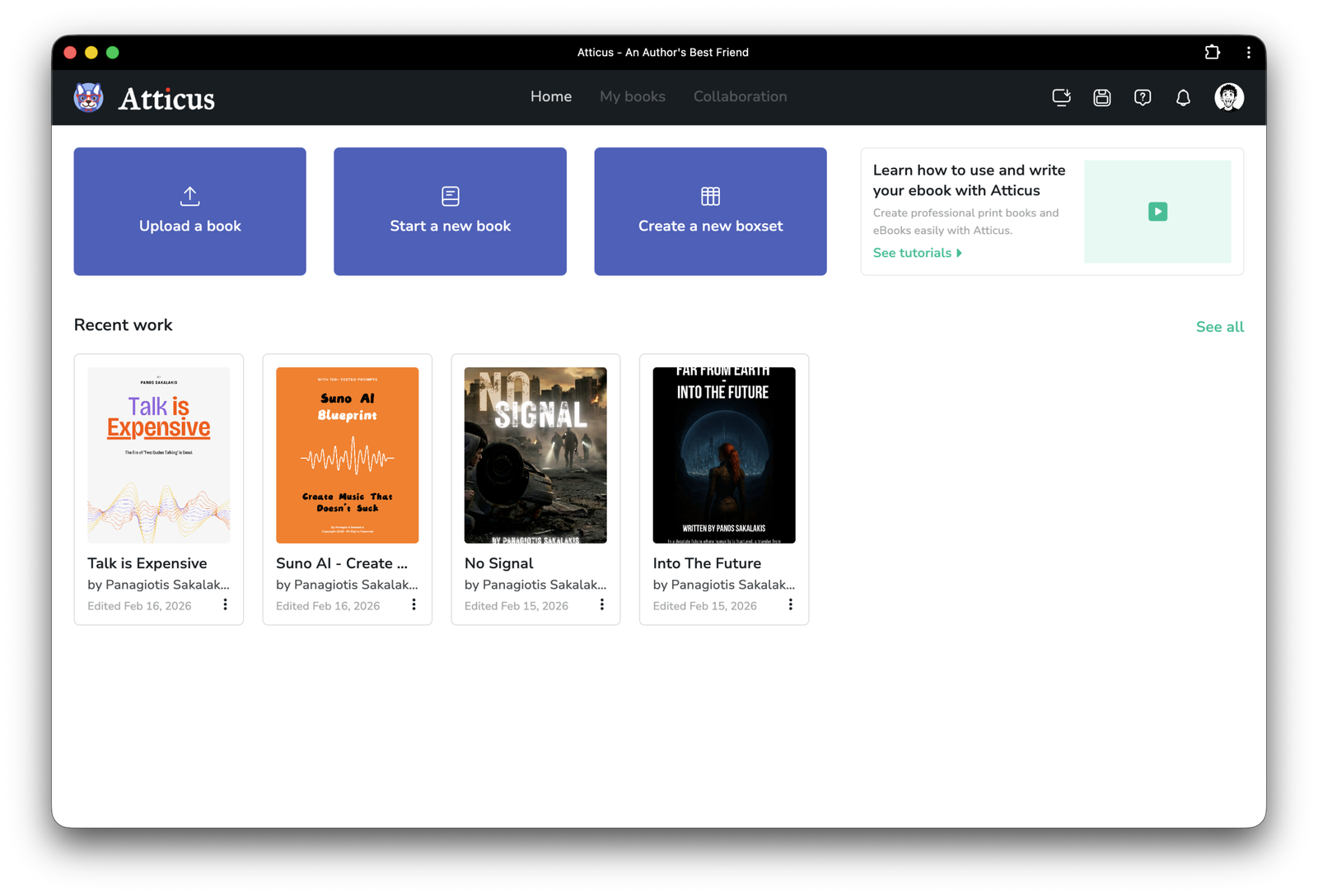
When you launch Atticus, the first thing that you’ll see is a list of all the books that you’ve written or have saved as drafts. By clicking on their cover, you are entering the text editor from where you can write, format, and export them. You also have the option to upload a book in .docx format, which is great if you’ve already written some or all of it on Microsoft Word or Google Docs.
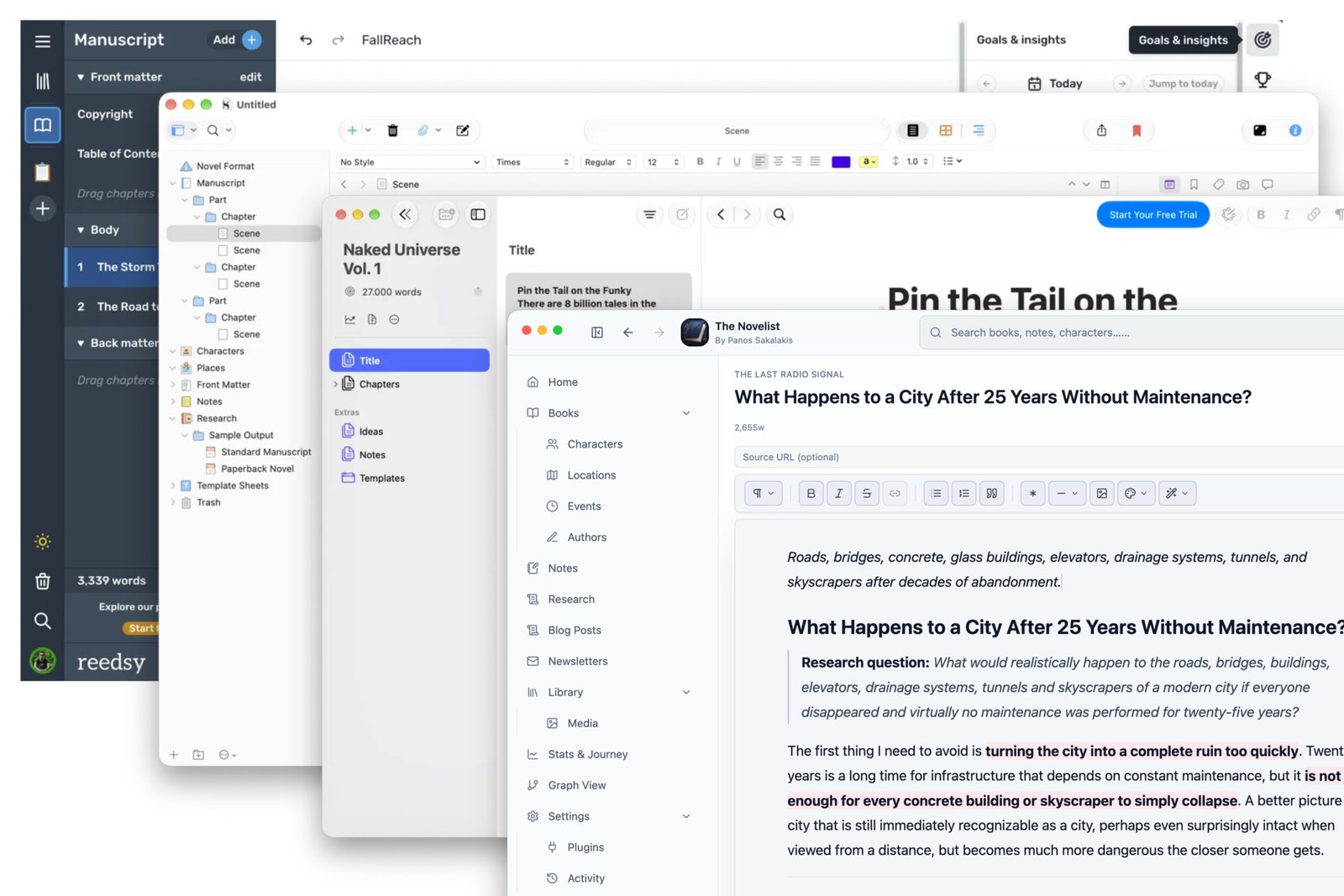
Like most other alternatives, including Vellum, Reedsy, or even Ulysses, Atticus comes with a similar interface that’s somewhat minimal and easy to use. On the left side panel, you get all your parts and chapters, in the middle, you get your text editor, and on the right panel (which you can open and close), you get all the other options, such as previewing your book, setting up your goals and your habit tracker, finding and replacing words and sentences, and more.
If you’re writing both a Print-ready PDF and an EPUB, you can choose which chapters or parts will be visible and which will not for each edition of the book. For example, you can hide Chapter 3 from the printable edition and only keep it in the digital edition (and vice-versa).
The writing experience
There are many authors who have been using Microsoft Word, Google Docs, or Scrivener to write their books, and then import them to Atticus for formatting and exporting. I don’t like that system. If I’m going to pay you $147 to get your “write and format stunning books” program, as you recall on your website, then I expect to also use it for writing.
This is the real problem, and the weaknesses of Atticus started to appear. If I had to compare it with the writing experience I’ve been getting with Vellum, the latter is far superior (but I’ll explain why in a bit).
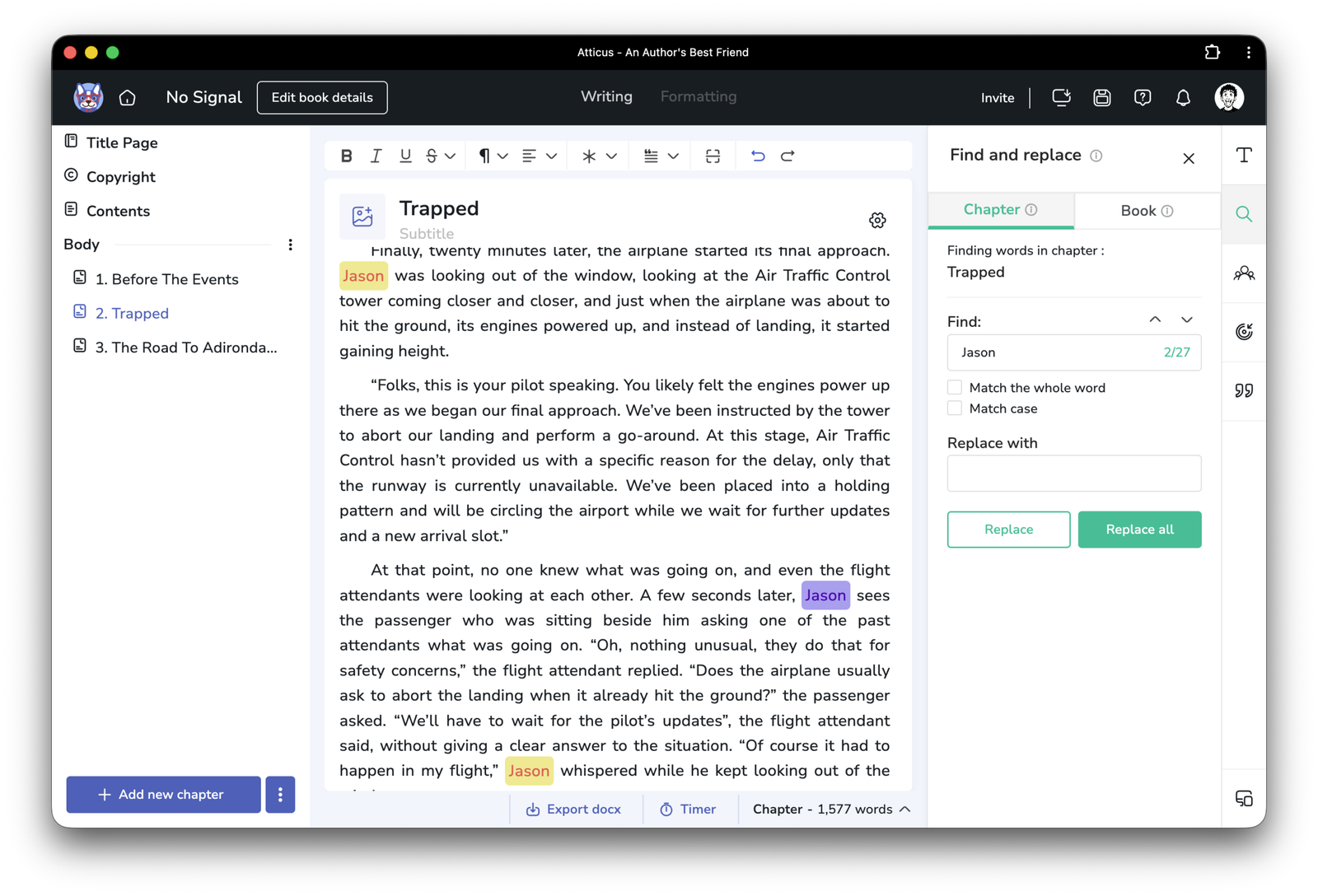
First and foremost, Atticus is great for short e-books. Whatever doesn’t exceed a few thousand words per chapter will be fine to write and work with in Atticus. But when you import a novel with each of its chapters being 5,000 to 7,000 words? That’s where things get a whole lot slower, more laggy, and everything that you once called “smooth” vanishes.
The other problem with Atticus is that it takes too much time to load the preview once you change the fonts and styling. While alternatives like Vellum and Reedsy do that instantly, with Atticus, you have to wait at least a few seconds, depending on the number of pages you’ve written. This is why most authors have been recommending that new users choose a style right from the very beginning and stick with it.
How is Atticus compared to Vellu, Reedsy, and Scrivener?
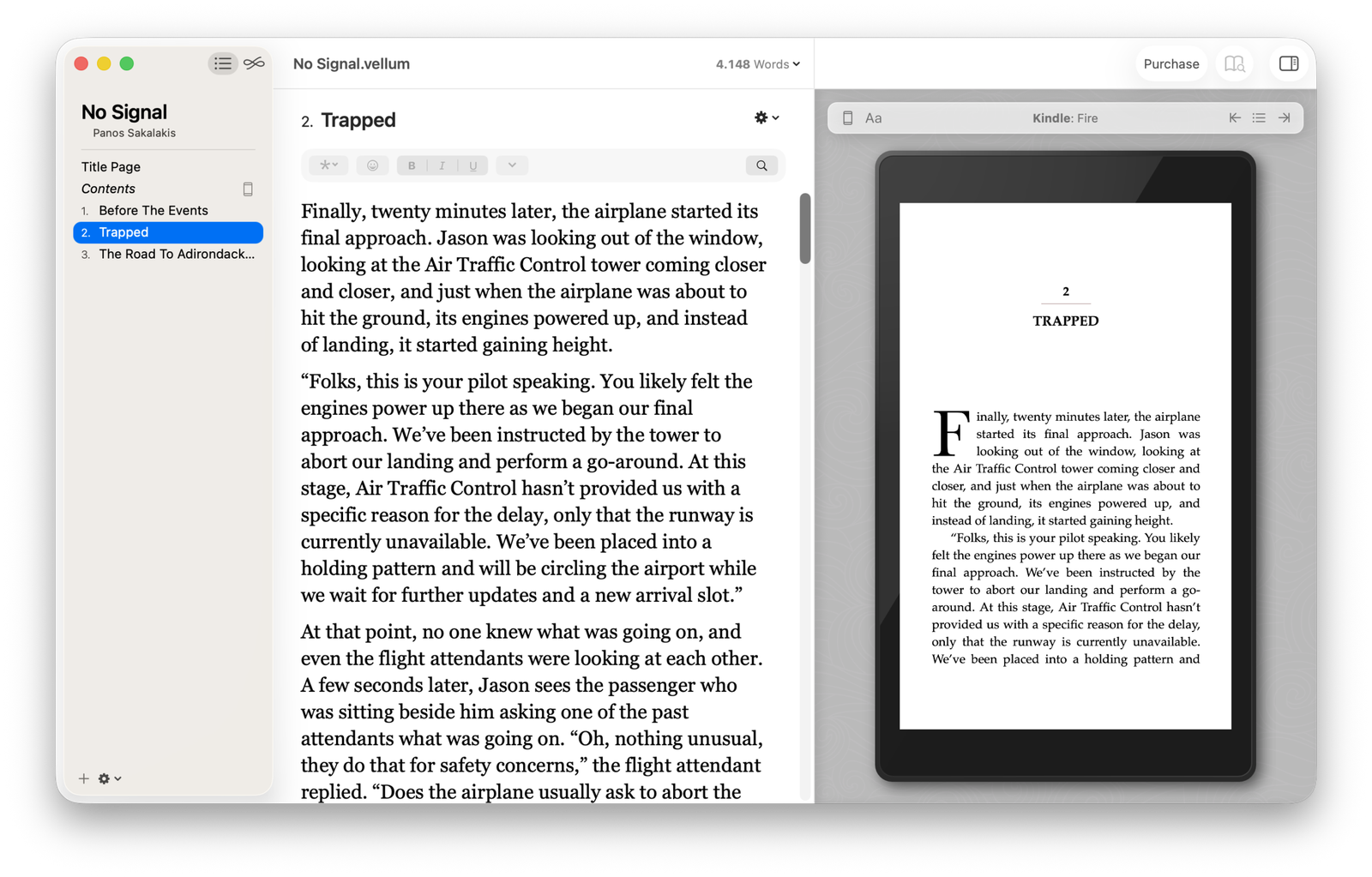
If you’ve been looking for a writing and formatting tool, then you’ve already seen all of those names, as they’re the most popular of them all. Thankfully, I’ve used all of them multiple times, along with many others, and comparing Atticus with them was easy.
If I had to compare it with Reedsy, I’d say that Atticus is far superior. It has more styles, a better interface, and more options when it comes to exporting your books. I do like Reedsy Studio and what they’ve done with it, but it’s still behind.
But when it comes to comparing Atticus with Vellum, that’s where the interesting part comes in. Vellum isn’t a web-based app. That means that you get a native macOS application that’s designed specifically for this operating system. As a result, you get an interface that’s super fast, almost doing everything instantly, that matches your operating system’s style, and that lets you work offline. Working with Vellum had been a complete pleasure, even with huge novels.
But with Atticus? While they say that they offer an application for Windows, macOS, Linux, and Chromebooks, it’s not actually a native app but rather a simple web-based app. In other words, you run it through a browser window rather than having a native program installed on your device. And for that reason, many have been having issues working offline.
When it comes to Scrivener, there’s nothing to say here, as they’re different tools. The biggest problem that most authors face with Scrivener is the formatting and exporting, where they often look at alternatives like Vellum or Atticus. But other than that, Scrivener has tons of more options and features that can organize even the most complex novels, and the only thing that you can compare it with is Obsidian, and that’s after a lot of tweaking.
A few things to consider before buying Atticus
If you’re thinking of purchasing Atticus, there are a few things that it will be wise to consider before investing in it, including:
Atticus is a web-based app, meaning that it constantly contacts the company’s servers to upload and save all your recent changes. If their server goes down, so does the access to your books. And while they claim it works offline, you’d be amazed at how many times it asks for an internet connection to just open a book.
It works if you first open the book while connected to the internet, and then you can continue working on it even if you lose that connection. But if you don’t open it first, you can’t do it while you’re offline, which doesn’t make any sense now, does it?
There are many things to consider when you deal with a web-based app instead of a native software that doesn’t use your browser to work. And that’s why, folks, Vellum offers superior speed and stability, because it’s not a web-based cheap try to offer it on every platform. Not to mention that, again, you won’t have access to your books if something happens to Atticus’s servers, so making sure that you always keep recent backups somewhere else is absolutely crucial.
Pros, cons, and my final conclusion
Atticus has most of the features and options that it needs to stand strong among the most popular writing and formatting apps, but it has a few weaknesses that can drive many to other solutions, with the biggest one being that it is a browser-based tool without a native version.
As a web developer with over 17 years of experience, I can assure you that taking Atticus and making it a native app for Windows, macOS, Linux, and ChromeOS is going to take a lot of time, and many hands will be needed for each version to create and maintain it.
Considering that Atticus hasn’t even introduced a spelling and grammar checker yet, or a tone and pacing assistant, I don’t see a native version coming out anytime soon (if ever).
But even with its flaws, it’s a robust tool and, for many, one of the best investments they can make.
Atticus Review 2026: Is it worth the $147 for formatting?

Is Atticus worth the $147 for book writing and formatting?
Price: 147
Price Currency: USD
Operating System: Windows, macOS, Linux, ChromeOS
Application Category: WritingApplication
4
Pros
- It's a one-time payment of $147 with lifetime updates.
- It provides a minimal and easy-to-use interface ideal for writing, formatting, and exporting.
- It gives you a preview of how your book will look once it's published (supporting previews for iPad, iPhone, KDP, Printed, and more).
- It has a massive library with over 1,500 Google fonts and a very good theme builder. It also lets you tweak almost every detail of your chapter headers and ornamental breaks.
- It includes a goal tracker, writing sprints, and a distraction-free mode, which are little nice bonuses (and if they're your "thing").
- It excels at complex layouts that others struggle with, such as footnotes (vs. just endnotes) and multiple heading levels (H2–H6), which are essential for nonfiction.
Cons
- It's a Progressive Web App (PWA), and because it's browser-based, you're going to face lagging, slow loading times, and lose access to your work if Atticus has technical issues with their servers.
- While it has an "offline mode," it is primarily a cloud-first tool. If you have a spotty internet connection, you may run into syncing conflicts or "spinning wheels" while it saves your data.
- Importing from Word/Google Docs isn't always perfect. If your original document doesn't use rigid Heading styles, Atticus may fail to recognize chapter breaks, forcing you to manually split the book.
- Compared to Scrivener, its drafting features are "lite." It lacks advanced world-building folders, character sketches, or the ability to view two chapters side-by-side.
- As with any cloud-based startup, your access depends on their servers staying live. Unlike "local" software, if the company were to disappear, the app could potentially stop functioning.
- They don't offer a free trial for users to try Atticus first and decide if they want to purchase it later.
FAQs
Does Atticus offer a free trial period?
No, Atticus doesn’t offer a free trial period as of this moment.
Do they offer a refund period if I don’t like it?
Yes, they offer a “no questions asked” 30-day money-back guarantee.
Is their pricing really a “one-time” payment?
Yes. Unlike other alternatives that actually give you a specific version, like Scrivener, Atticus gives you all the versions and features with future updates included.
Does Atticus support a spelling and grammar checker?
Unfortunately, as of the latest versions, Atticus doesn’t offer a spelling and grammar checker, nor a writing assistant to help with the tone and pacing.
Can I add backgrounds in my books with Atticus?
No, Atticus restricts you from adding backgrounds to all of your pages, and instead, it only allows you to place one in your chapters’ pages, and nowhere else.
Can I transfer and use my paid fonts in Atticus?
No, Atticus does not support custom fonts.
Is the web version good, or should I install the app?
Atticus doesn’t offer a native application like Vellum or Scrivener does. Instead, it’s browser-based, meaning that even if you install the app, it’s basically a browser window and nothing more. Because of that, it’s slower and buggier than its rivals.
Vellum or Atticus? Which one is better for me?
Vellum is perfect for almost everybody, including people who write e-books or huge novels. It’s minimal, provides one of the fastest and smoothest experiences you can get, and instead of wasting your time choosing a hundred options to format your book, you just get a beautiful and professional-looking final result. But if you want more options with the cost of speed and smoothness, or you don’t own a Mac device, then Atticus is very powerful and a good choice.