What if I told you that, without spending a single dime, you can build whole worlds, fully detailed and organized, all within a beautiful app that you can use on any of your devices? That’s what I always wanted as an author, but found after realizing that outlining and planning a novel in Google Docs or Microsoft Word was just silly.
Why Google Docs and Microsoft Word ain’t it
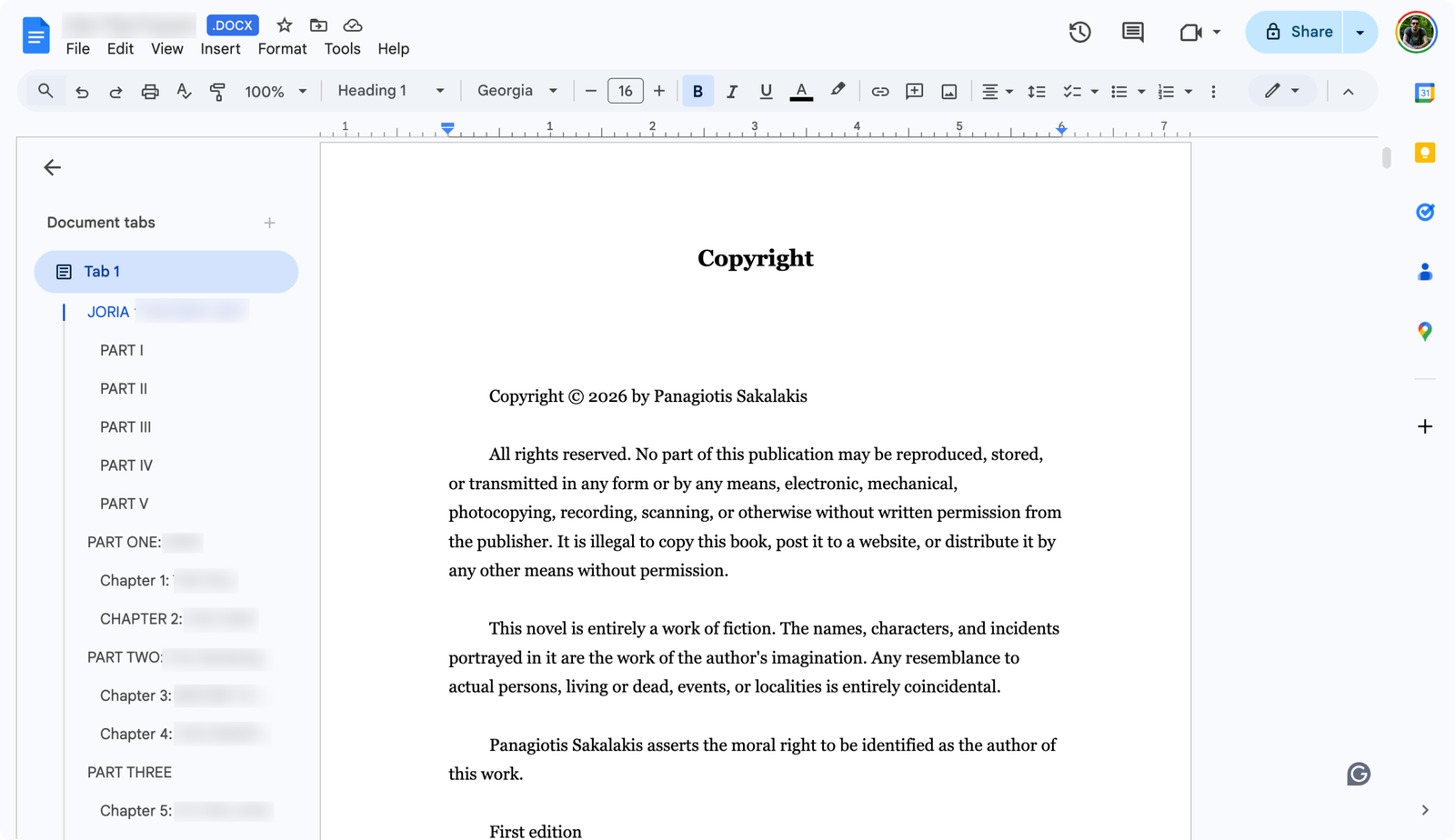
It was early in the morning, a little bit after 5:20 AM, when I typically enjoy my first cup of coffee and type my first words. I was writing a sci-fi novel, and I was already in my sixth chapter when I hit a wall. I couldn’t understand the world I was creating; my notes were everywhere, comments filling the right side of my document, along with bold and italic letters inside some of my paragraphs, with notes to come back again and rewrite them. It was a mess.
The problem with Google Docs and Microsoft Word is that you can’t organize everything easily without wasting a lot of hours. For a novel as big as mine, with multiple different functions, characters, and locations – all with their own unique backstories and notes – along with specific events and dates, those tools are way too limited. That’s why most professional authors use premium writing and formatting software such as Scrivener.
But my budget was small enough to only allow me to choose between Vellum and Atticus, both of which are superior when it comes to formatting and exporting.
So, how do you find an app that’s available for all your devices, it’s powerful enough to provide anything a novelist may need, and it’s completely free? Well, that was my question at the time, and by searching and looking and testing, I found out about Obsidian. At first, I tried it, and after a while, I uninstalled it and kept on looking for other apps.
Then, earlier that morning, I watched a video on YouTube by a guy named Dominic who runs the LegendFiction channel.
After watching it, I knew I had just found the perfect app to outline, organize, and write my novel. And he inspired me to create my own Obsidian Vault for novel-writing, which I called “The Novelist”, but more on that in a bit.
Update: I’ve just made my own video!! Yey! Sorry for the accent, though.
What is Obsidian?
Obsidian is a free and open-source application that’s available for Windows, macOS, Linux, Android, and iOS. In paper, it’s a knowledge base and note-taking app that operates on markdown files. In reality, it’s far more than that.
You can use it both for personal or commericial purposes completely for free, but if you want to use some of its commercial features, such as cloud syncing, there are some subscription plans available. But even if you don’t, there are many other options that you can use for auto-syncing that are completely free.
Unlike other apps, Obsidian is fairly new, and they released their 1.0.0 version on October 13, 2022. It’s a project that was thought of and created during the COVID-19 pandemic by Shida Li and Erica Xu.
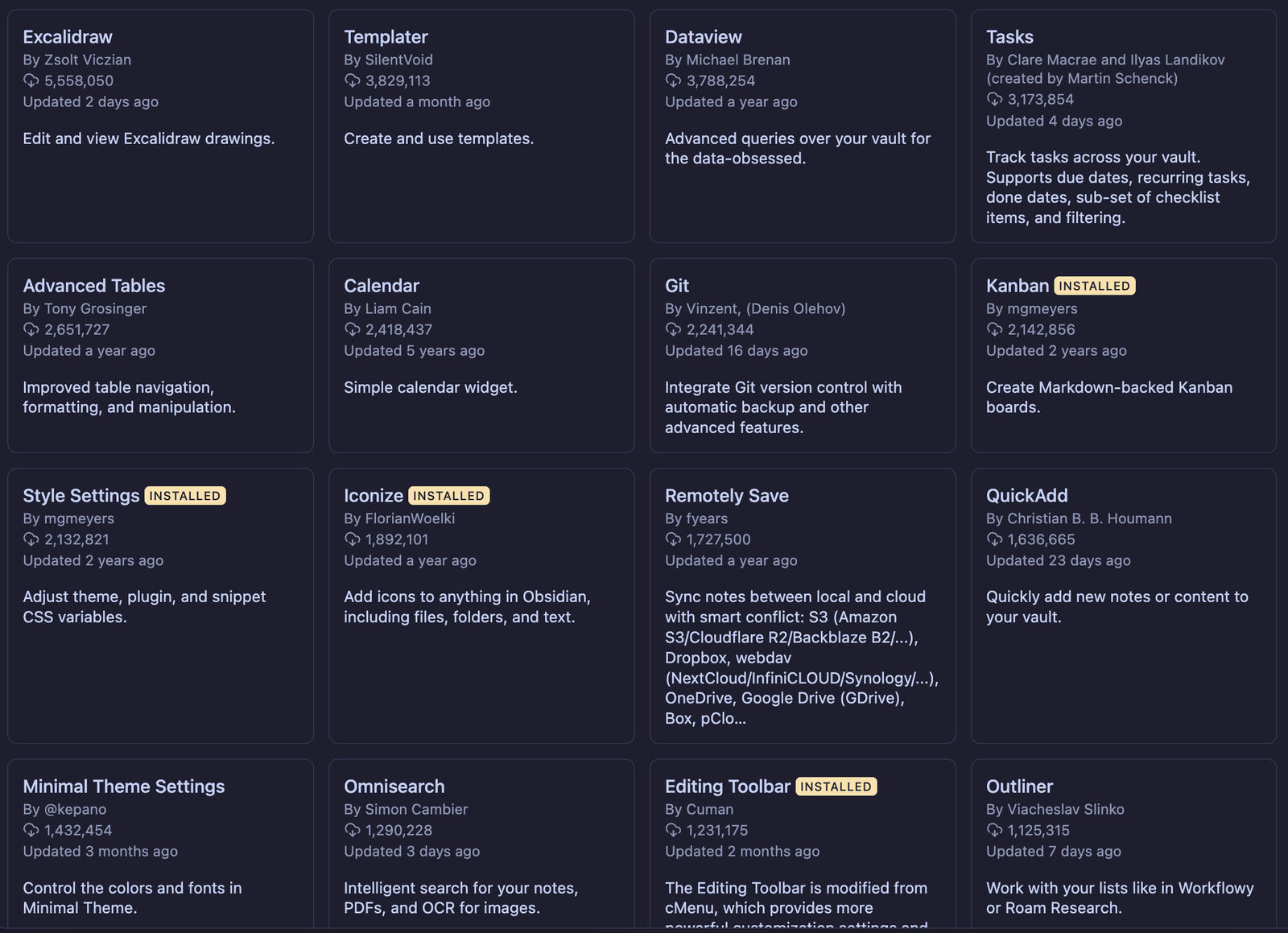
What makes Obsidian one of the greatest apps in the world is not exactly the options and features that it provides by default, but by what its community has created over the years. Because it’s an open-source project, a well-structured one, anyone can build and share their own plugins and themes, and you can access, install, update, or delete them right from within Obsidian’s settings.
Now, themes are exactly what you think they are: pre-made templates that change Obsidian’s interface with different colors, fonts, border radius, and more.
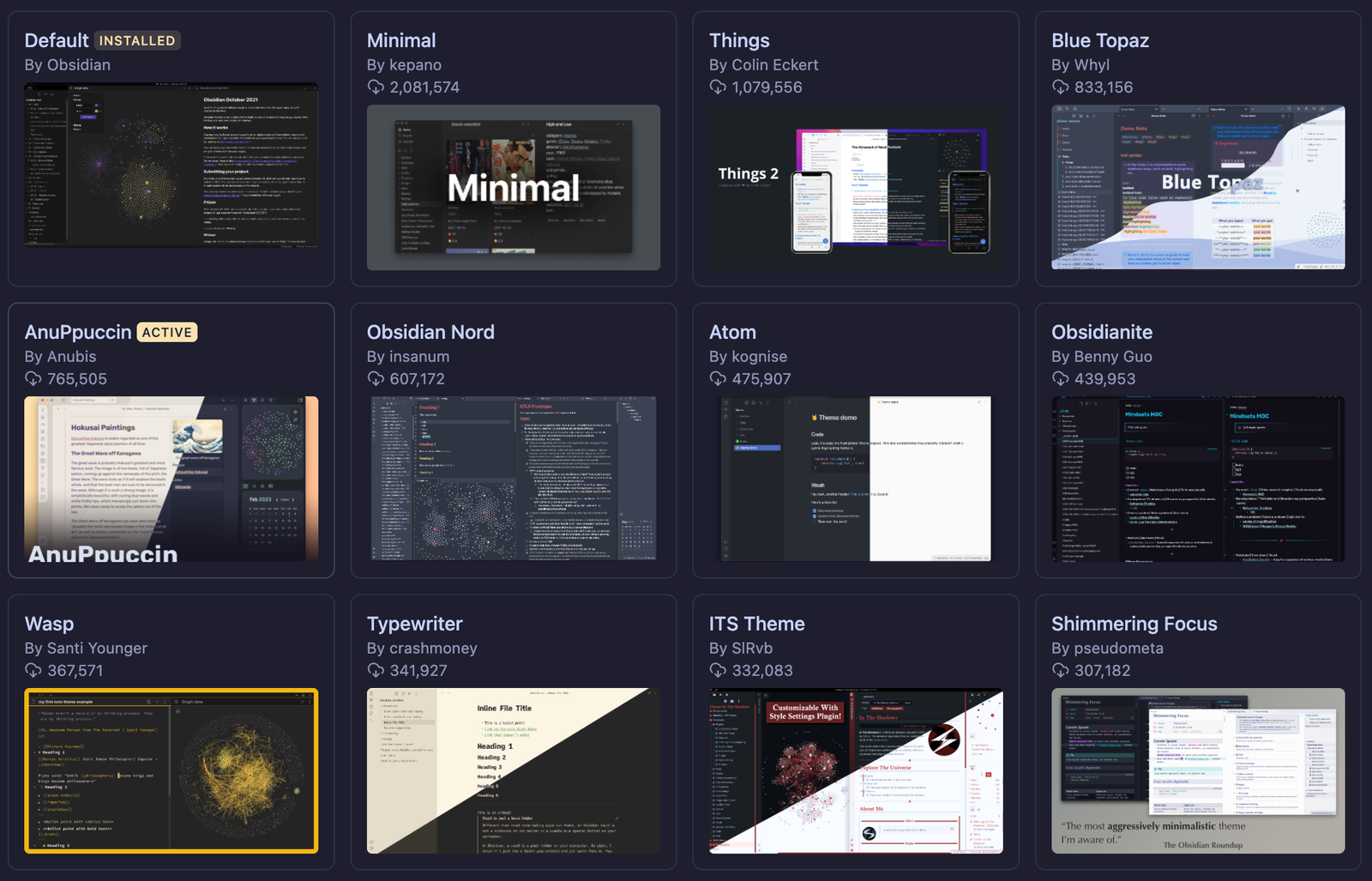
Plugins, on the other hand, can extend the app’s abilities by a lot. For example, there are plugins for almost anything you may need, including displaying the word count for every file, implementing an AI Assistant or Chatbot, installing a proper editor for easier and faster formatting, syncing everything to Google Drive, Dropbox, and OneDrive, and so much more.
Obsidian also lets you create and manage different Vaults. Each Vault can be about anything you may imagine, one for your first novel, one for the second, one for your personal projects, and one for your clients.
You can create as many as you want, and you can even select where to save each one. But what makes it even more powerful is that it lets everyone create, export, and share their own Vaults that others can easily import, adjust, and use.
Obsidian also has the – very popular, to say the least – ‘Open Graph View’, which lets you see everything that you have created and connected with each other. It’s a great way that lets you visualize the relationships between the notes in your vault.
What is ‘The Novelist’ Vault?
‘The Novelist’ is a free Obsidian Vault that I created for novel-writing. It makes planning, outlining, organizing, and writing novels easier than ever before, all in one place that allows you to build whole worlds.
When I first created The Novelist, I wanted to share my Vault like Dominic did, so I published it on Gumroad as a free download. While it got a few downloads, it wasn’t until I published an article on Medium about it that it brought even more downloads, with some contacting me with improvements I could make.
That was The Novelist v1.0.
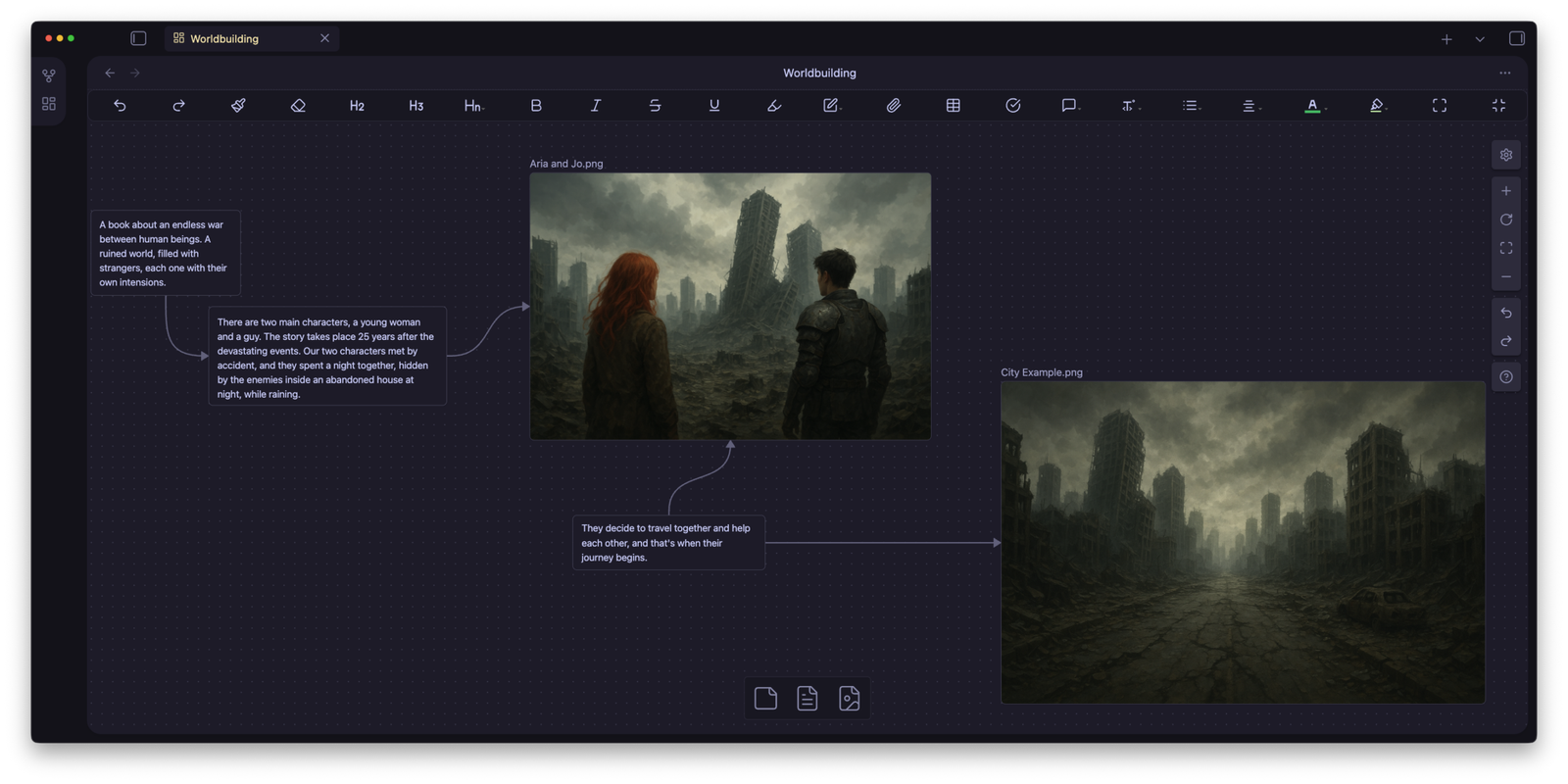
But as I kept writing my novel, I kept improving the Vault. I also had to remove a few things, rename others, and add more options to the ‘Worldbuilding’ Canva that I had created. With the feedback I got included in my list of changes, I finally released the second version.
Say hello to The Novelist v2.0.
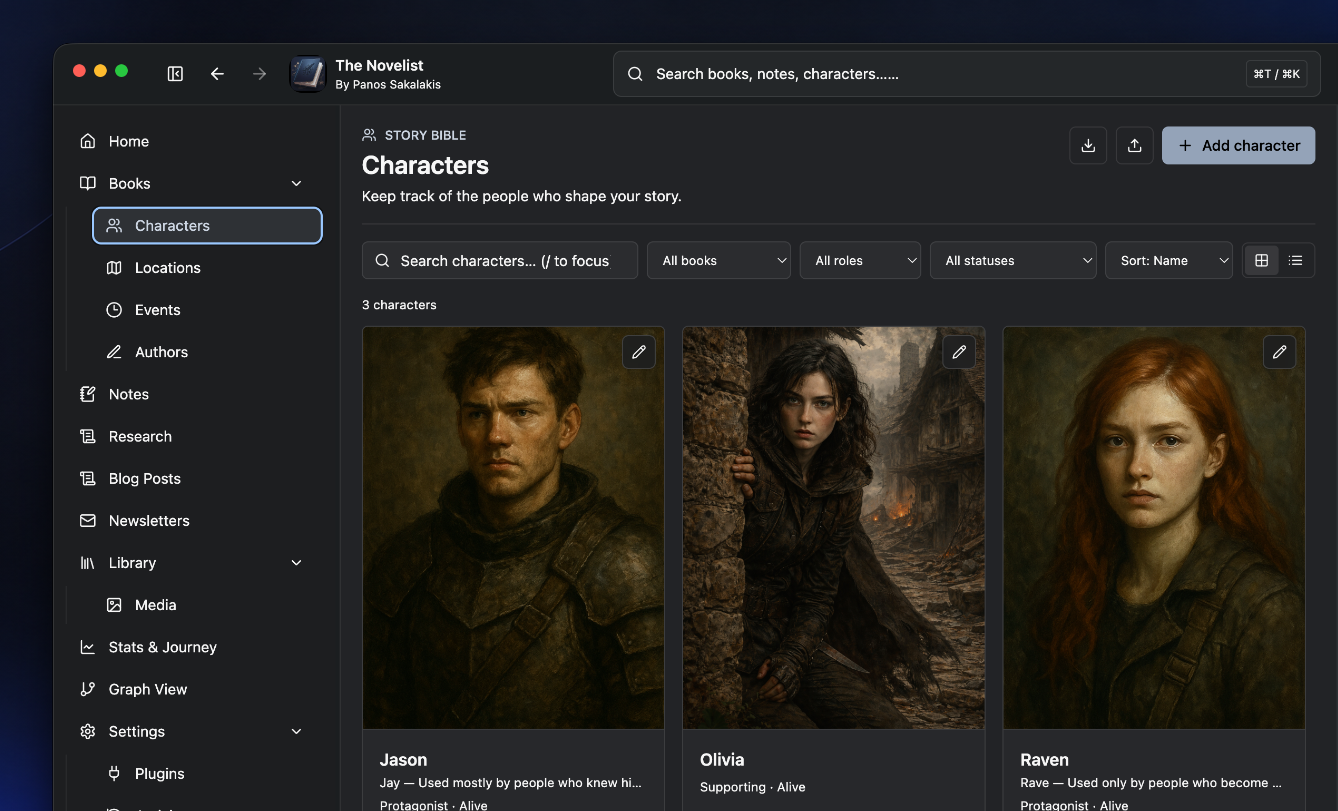
I’ve made a lot of improvements to the second version. The ‘Worldbuilding‘ Canva has improved significantly, now featuring characters with images, chapters, locations, and even notes, all in one place. The ‘Characters‘ and ‘Locations‘ have also improved with more details that you’ll need while writing your novel.
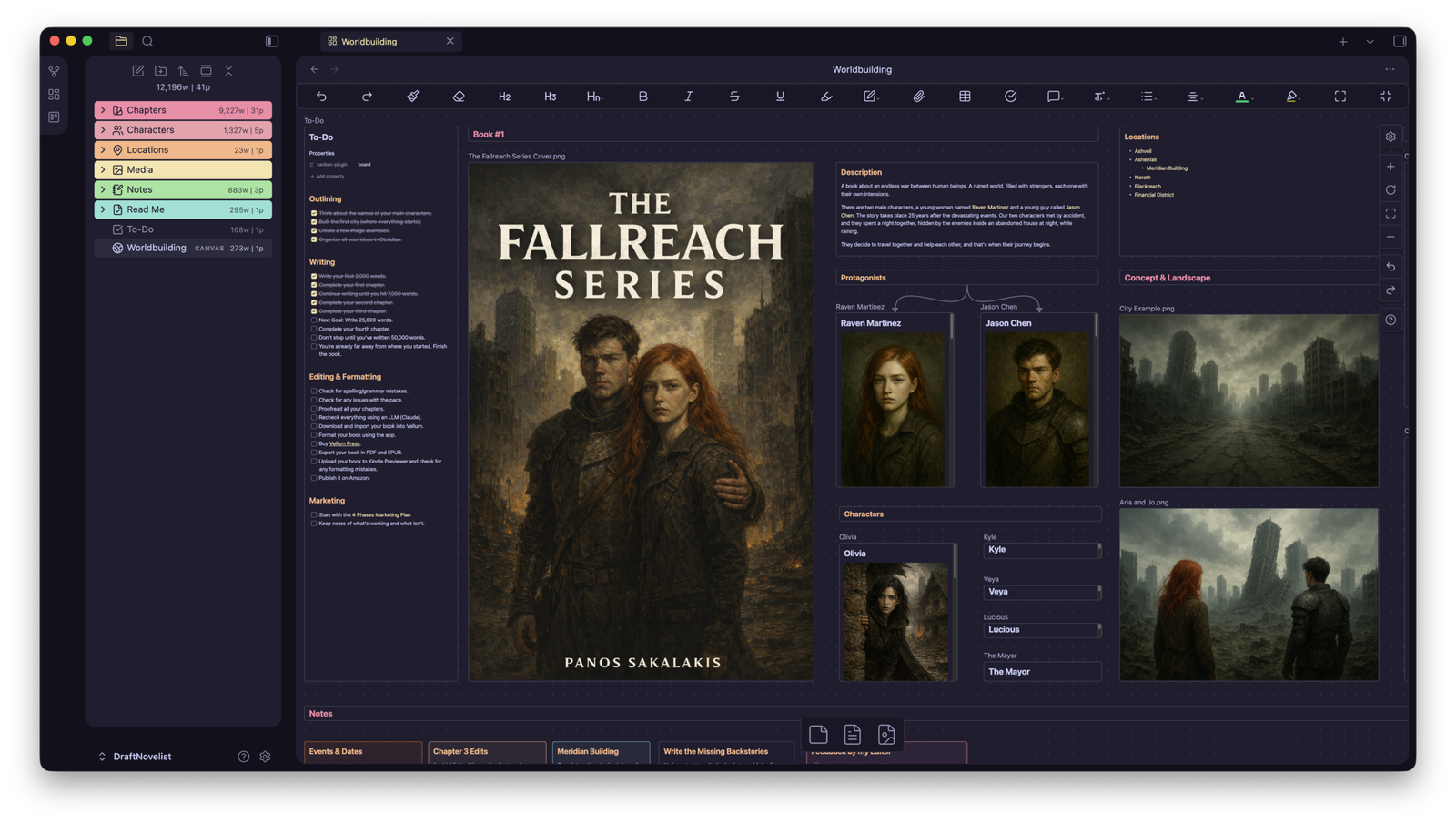
The difference is clear, with the second version being a lot more improved and robust than the first one. I can’t even stop wondering where the third version is going to end up, but for the time being, I’ll just keep updating the second version, so keep an eye out for v2.1.
So, how do you download and use it?
Once you have everything set up, go ahead and delete all the pictures, descriptions, and other text that I’ve included as an example. Replace them with your own characters, locations, and chapters, make the necessary connections, and use the ‘Graph View’ to see if you missed any connections.
How to use Obsidian for novel-writing without getting confused
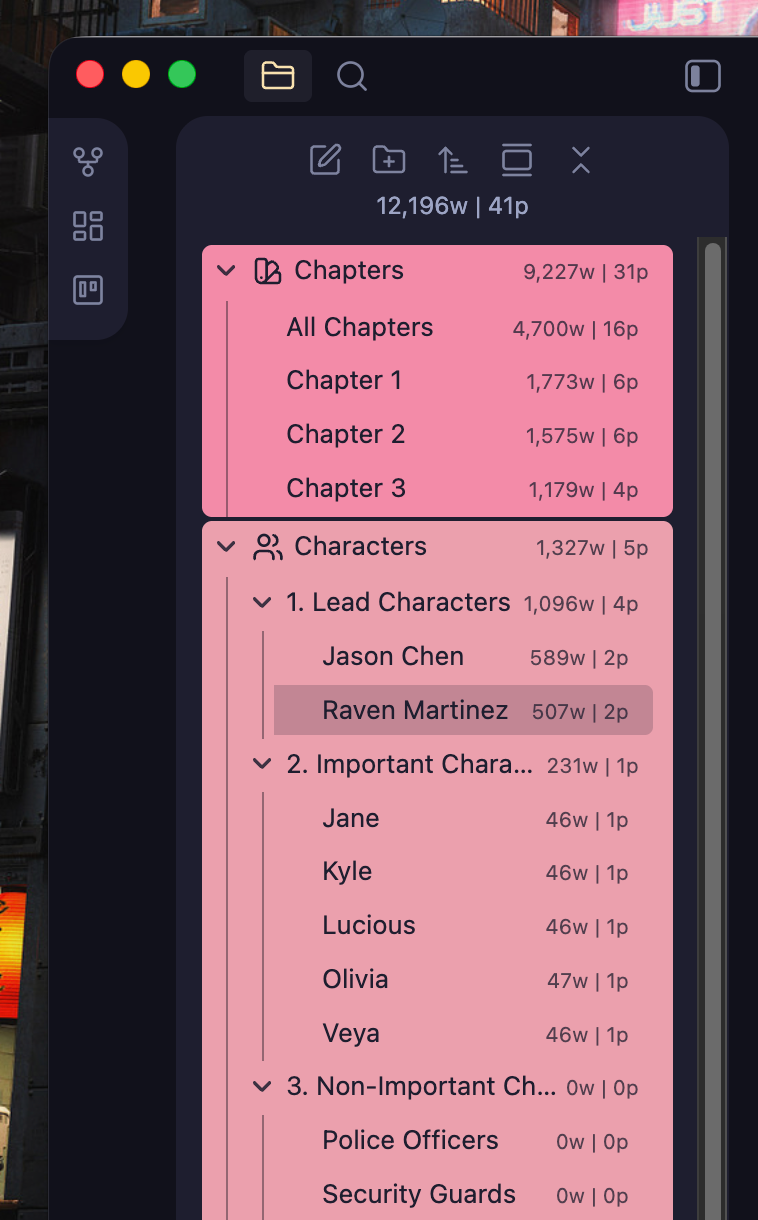
Obsidian is easier than it looks. The most important thing that you need to know is that you can basically customize most of its features and options just by going into its settings page. For everything else, you can just look at the left panel, where all your folders and documents live.
Everything else, including the editor where you write and format your content, is placed in the middle. You also have a few options that can be displayed on the right panel, including your links and tags.
Here are a few quick tips:
- If you right-click on a document, you can open it on the right side.
- To link to a document, just add [[ inside here you write the name of your document and it will automatically appear ]].
- To export any document to a PDF format, just go to the top menu and File -> Export To PDF.
- You can drag-and-drop any document or folder from the left panel, and you can add a folder as a subfolder.
- Go to Settings -> Community Plugins -> Browse to discover and install more plugins.
- Go to Settings -> Appearance -> click on the “Manage” button in the “Themes” section. Choose a theme that you like and click on “Install” and “Activate”. Go back to “Appearance” to switch between your installed themes.
It takes a little bit of time, but Obsidian is an outstanding application that lets you keep your notes, organize products, use it as your second mind, build whole worlds, and basically use it for any idea that you may have.