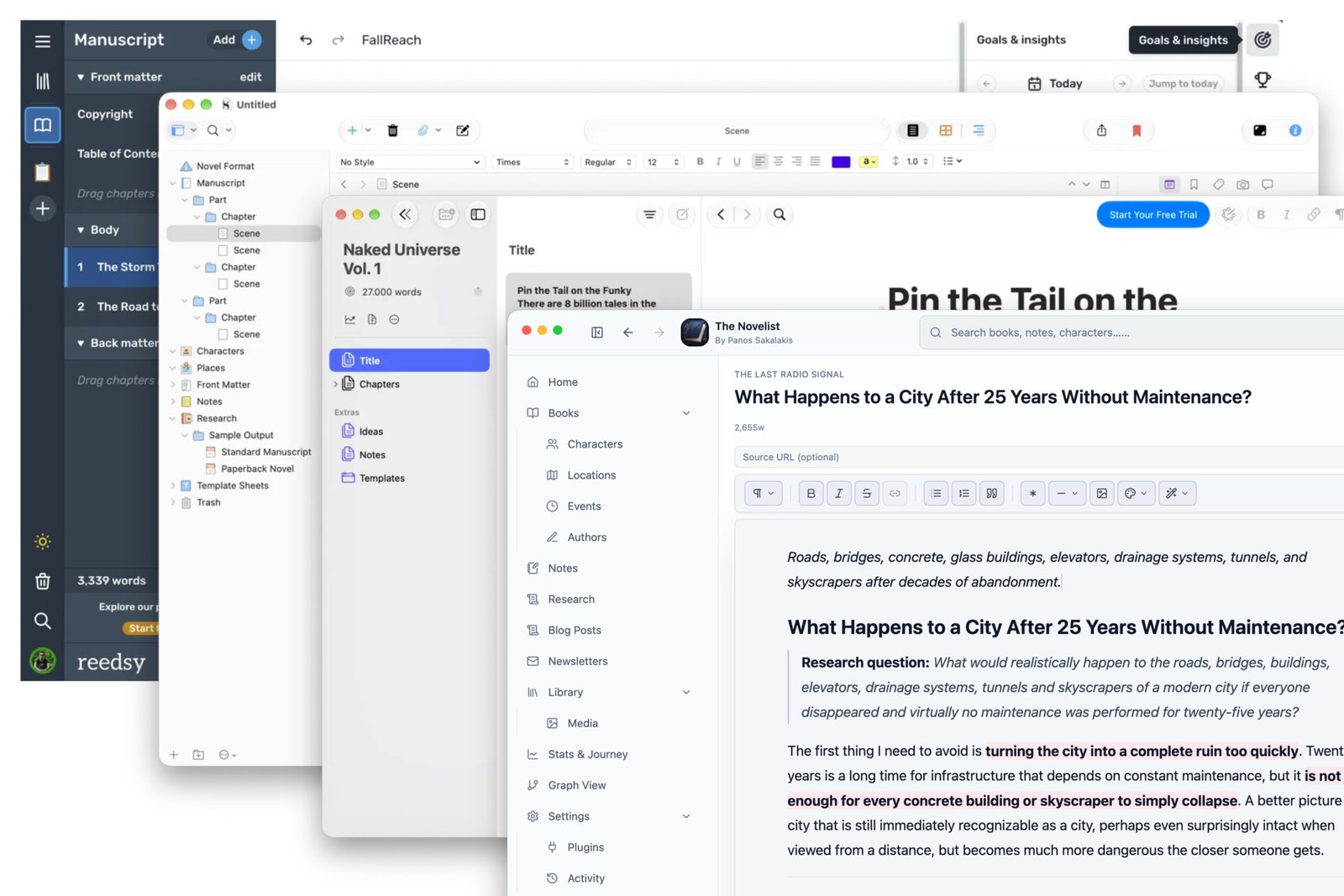
It doesn’t matter if you’re an amateur writer or a professional worldbuilder; you’ve probably already invested time searching, testing, and looking out for the best apps to write your books and build your worlds. If you’re anything like me, you’ve also invested money buying the writing and formatting software that comes with a cost. So let me save you some time by offering you an honest review of some of the best solutions in 2026, based on a lot of testing.
I’ll have to organize the apps into two sections: those that are great for book writing and worldbuilding, and those that are preferred for formatting only – and you’ll see why in a minute. But keep in mind that an app that’s specified by me as a worldbuilding app doesn’t mean it can’t export your books. I’ll be specific about this for each one.
The best worldbuilding and writing software in 2026
Worldbuilders and novelists who have tons of information to store and manage in order to build their worlds, including their manuscript, characters, locations, events, and so much more, and need an interface that can handle all of that with ease.
The Novelist (Free & Pro)
Available for: Windows, macOS, and Linux.
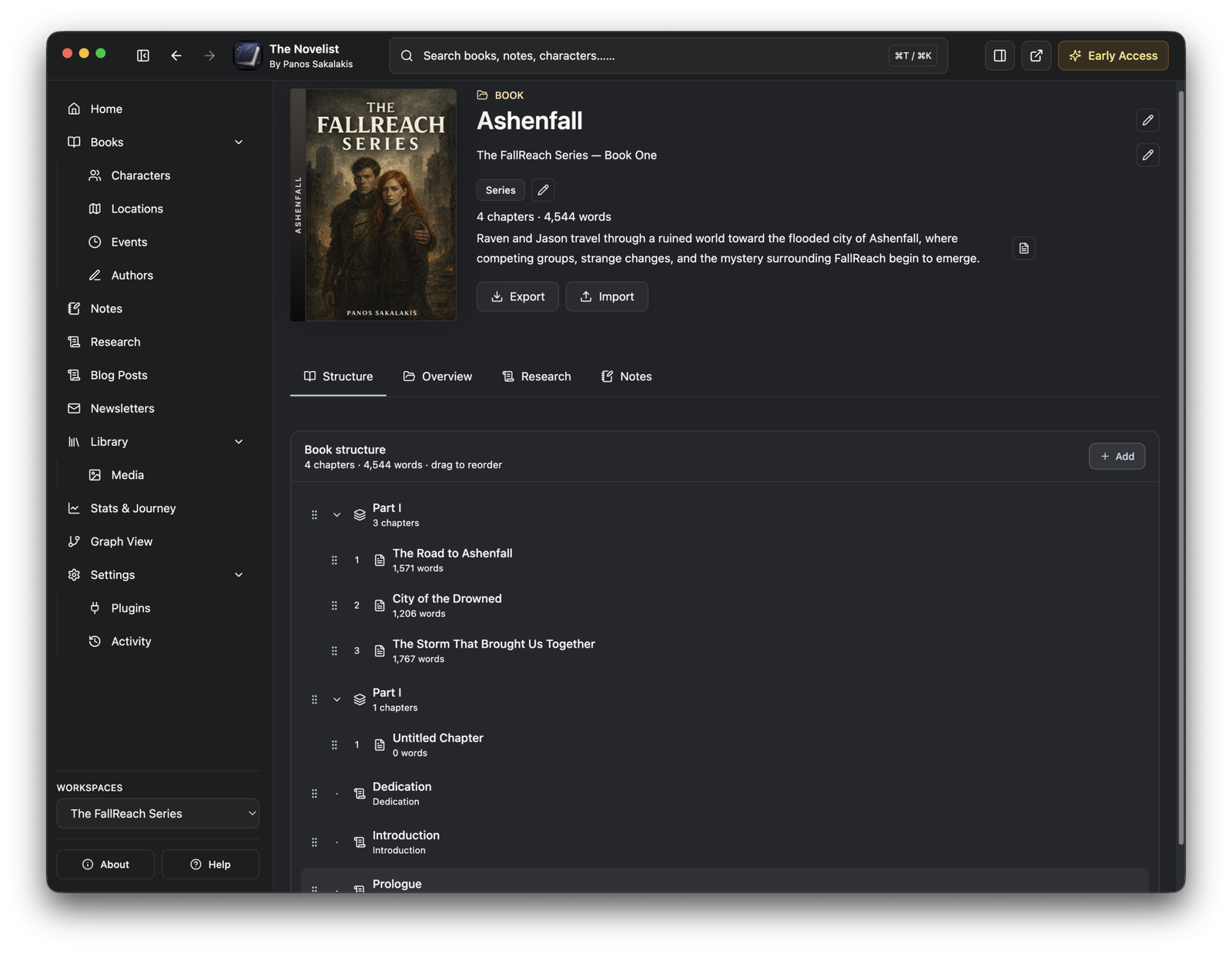
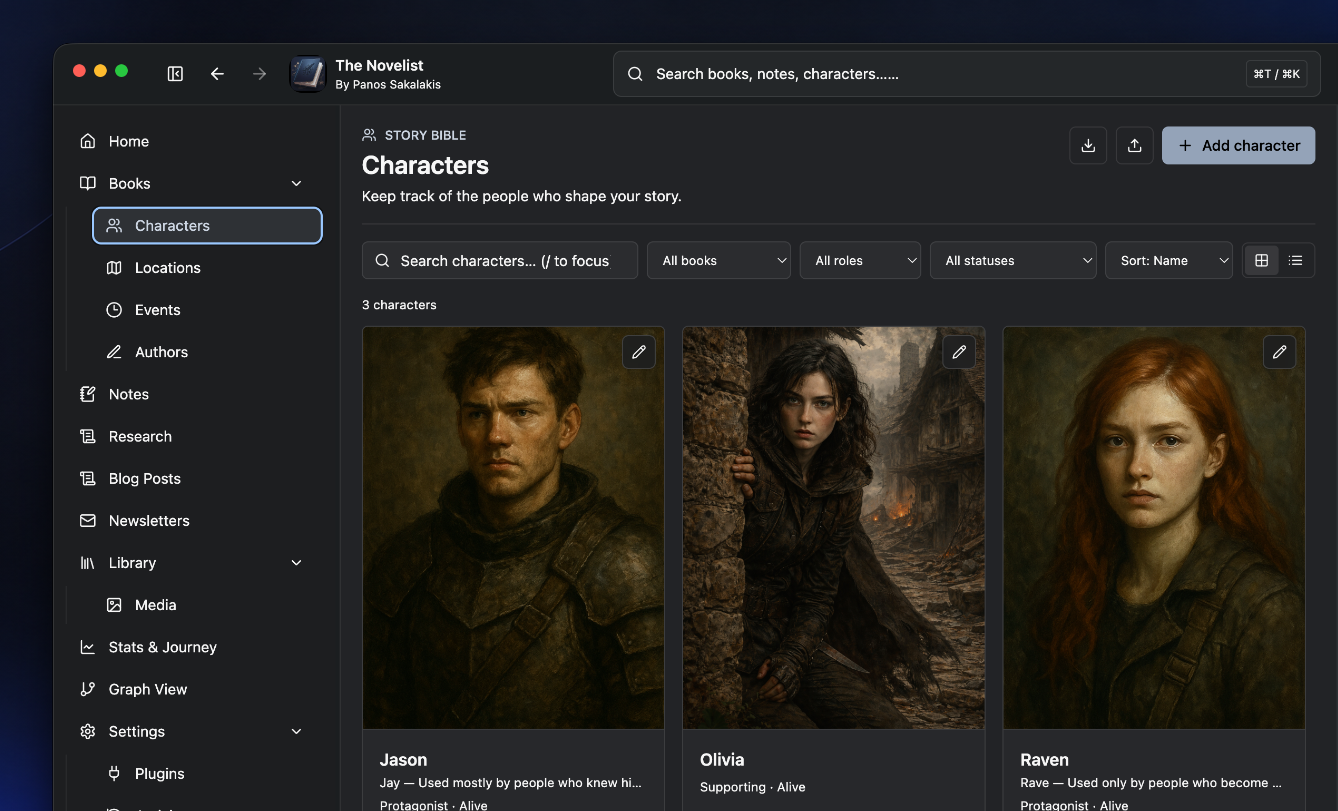
The Novelist is a new worldbuilding and writing software built by Panos Sakalakis (me), a developer and writer with almost two decades of experience. It’s a privacy-focused and local-first application that allows authors to write one or multiple books and either manage them all from a single Workspace or use different ones.
As of this moment of writing, The Novelist offers unlimited book creation, and for each book you can easily organize your chapters in parts and write the whole thing from within a modern and feature-rich text editor. Apart from that, authors have the option to create, link, view, and manage their characters, locations, events, organizations, secrets, items and objects, along with their comments and notes.
What is pretty cool with this app is that it allows you to quickly disable any features and options that you don’t use, so you can have the interface that just works for you. The main left navigation, for example, is completely customizable and you can just drag and drop any option in the order you want.
Unfortunately, it’s still in Early Access and its formatting options are very limited, so I’d suggest exporting your book once you’re done and using another formatting app to format and export it, such as Atticus or Vellum (both mentioned below).
Obsidian (Free & Pro)
Available for: Windows, macOS, Linux, Android, and iOS.
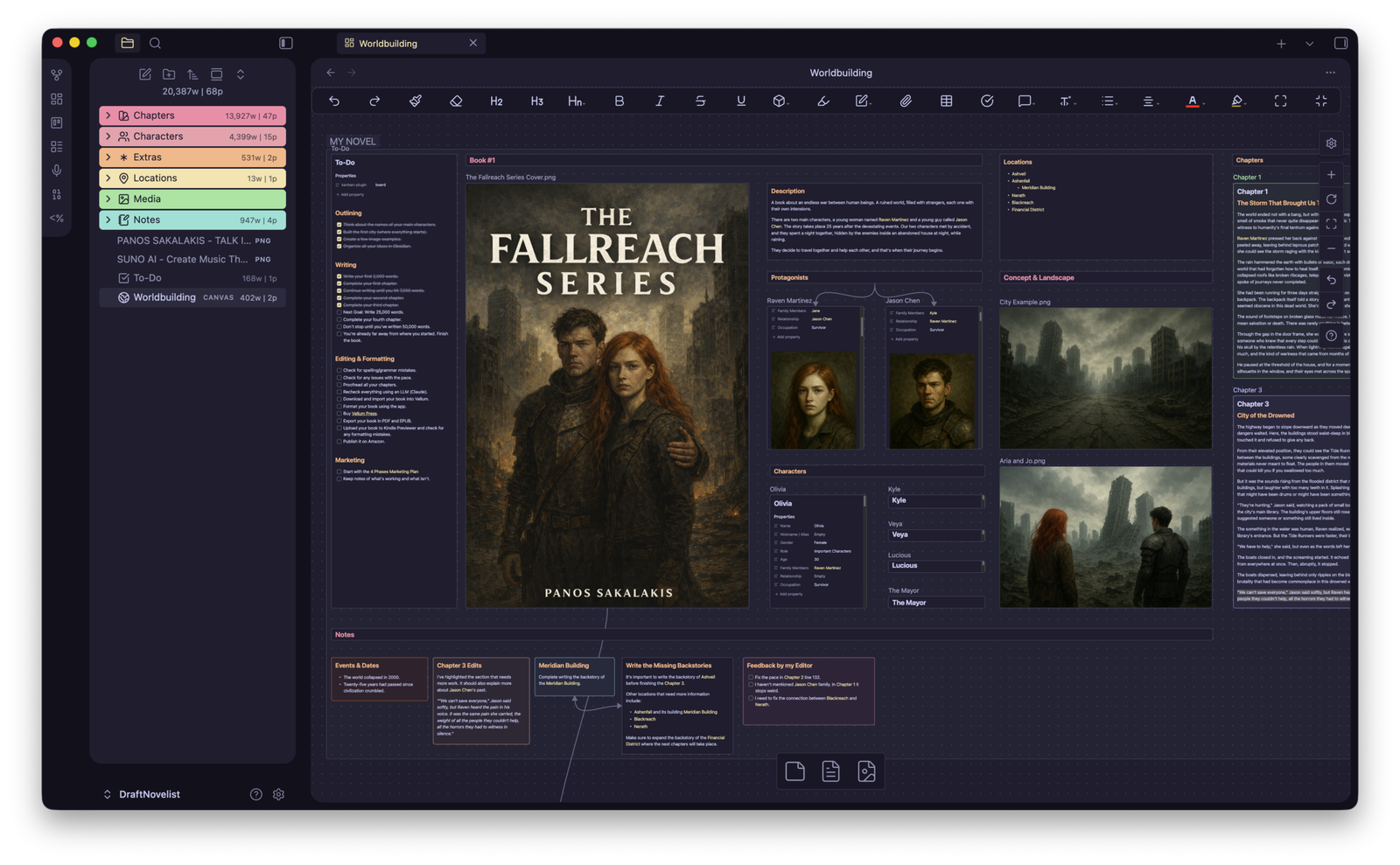
Obsidian is not exactly an app for formatting your books – the exact opposite, to be honest – but it works really well for worldbuilding, as long as you’re willing to invest time to customize it for that purpose. The problem is that it requires a lot of third-party plugins in order to work for worldbuilding and book writing, and plugins can always break with any new update.
But if you like Obsidian, thanks to how powerful it is, I have designed a free Vault that you can download and import, and it’s offered completely for free on my Gumroad account. It basically gives you an organized place where you can write your chapters, organize them into parts, and connect them with your characters and locations. Speaking of the last two, you also get two pre-made templates that you can use whenever you create any new character or location.
Now, thanks to being a local-first application, everything that you create is saved in Markdown format, which is supported by most apps, and which means that whatever happens, your work can be quickly transferred to another app.
Here’s a video I’ve made for this Obsidian Vault:
And here’s the guide on how to install and use it:
Scrivener (Pro with 7-Day Free Trial)
Available for: Windows, macOS, and iOS.
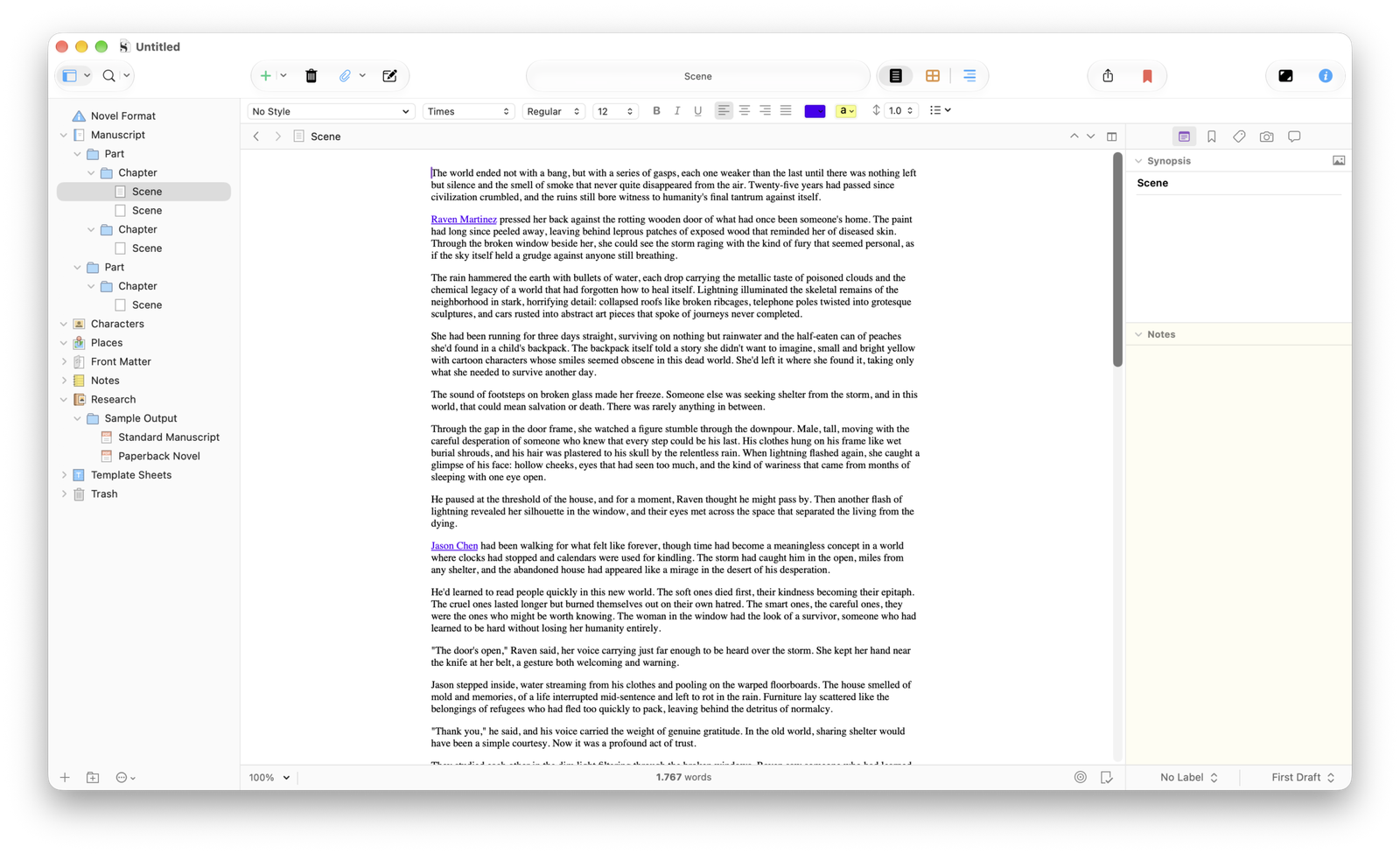
Scrivener is arguably one of the most powerful tools ever existed – there’s no doubt about it. Unfortunately, its design never clicked to me, and that’s why I couldn’t use it to write my sci-fi novel. But that’s me; for thousands of people, it’s a tool they use every single day.
Their text editor offers all the basic formatting options that you’ll need, such as making your letters/words bold and italic, allowing you to highlight phrases, add comments and annotations, create lists, insert images and tables, and so much more. Unlike the Book Previewer that you’ll get in other similar apps, Scrivener shows the page view straight from its text editor, which is kinda interesting.
Now, when it comes to organizing complex books, that’s where this app shines, allowing you to break your work into chapters and scenes, keep your research, notes, and comments along with your manuscript, and see your story through the corkboard and outliner views. Once you’re ready, Scrivener offers export options for your manuscript to Word, PDF, and EPUB.
The best book formatting and exporting software in 2026
When it comes to formatting your books, the following ones are hard to beat, and for all the right reasons. I’ve tried them all for months, gave them projects with over 100,000 words, and pushed them to their limits, and they did a fantastic job.
Atticus (Pro)
Available for: Windows, macOS, Linux, and Web.
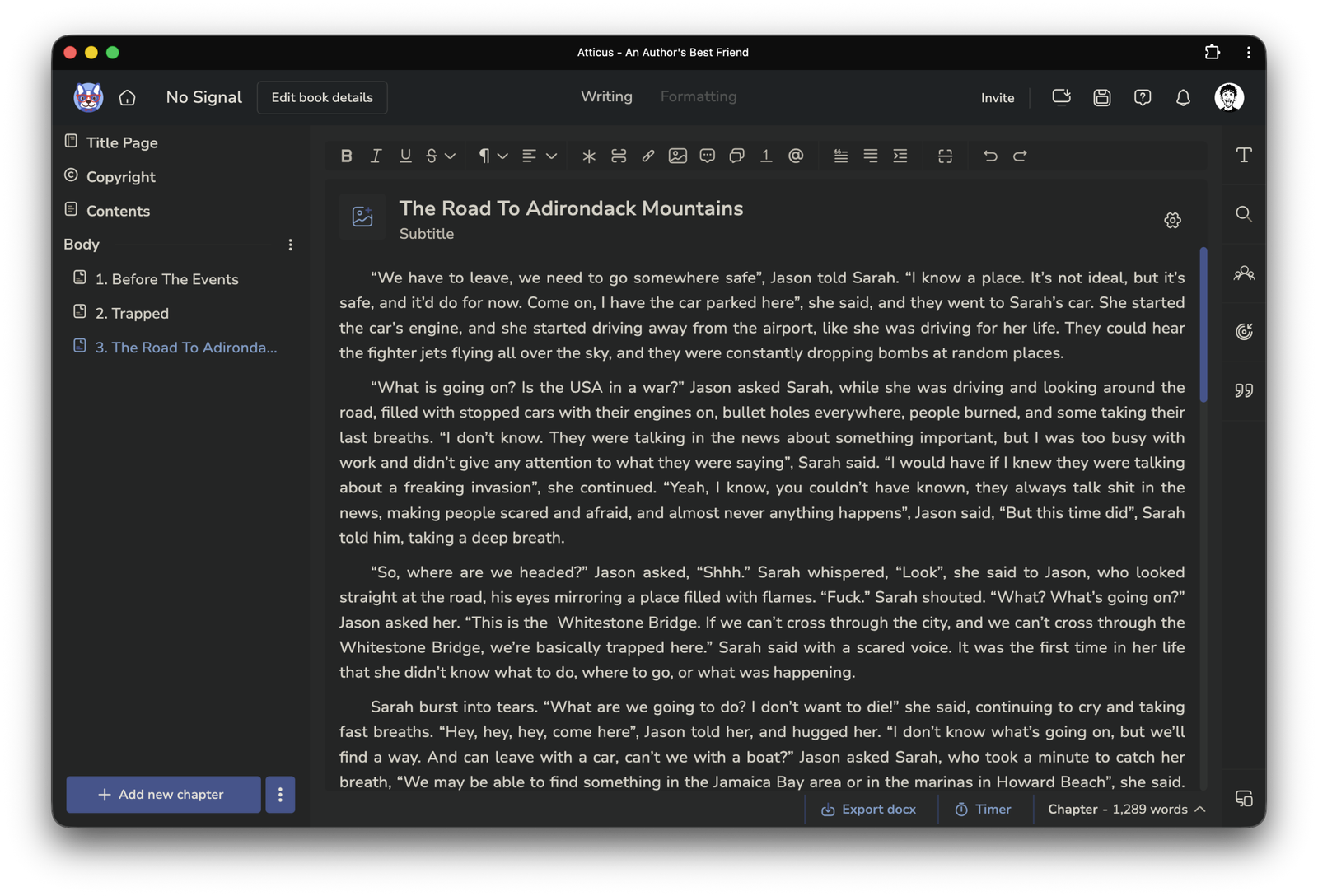
I’m adding Atticus first in this list because not only did I purchase it long ago, but I’ve also used it for many of my e-books (guidebooks) and my novel. As of this moment of writing, I don’t think there’s a more robust book formatting application, and unlike alternatives like Vellum, you can use this one on any device.
Now, when it comes to formatting your book, that’s where things get serious. Atticus offers over 17 pre-made templates, over 1,500 fonts, ornamental scene breaks, full-bleed images, a Book Previewer, and a minimal text editor that allows you to quickly add and organize your manuscript into parts and chapters. Footnotes and multiple heading levels are also offered, and the app handles them exactly as you’d expect.
For me, the problems with Atticus start with the fact that it’s a web-based app, so installing it on any operating system means that you just run it through a web browser window. That’s a problem for two reasons: First, web-based apps are usually slower and can’t handle heavier tasks as well as native apps. Secondly, they’re storing all of your work on their servers, meaning that if they get hacked, your work will probably end up in the attacker’s hands.
When I first purchased Atticus, it was very slow and laggy when I had to handle any book that was over 50-70 thousand words, but they did make quite a few improvements, and now it runs smoother and faster than before. The only issue I still have is the offline support, which doesn’t work as well as a native app would, and you’ll have to first load all of your books before going offline in order for the app to create a local version of them.
Vellum (Free & Pro)
Available for: macOS
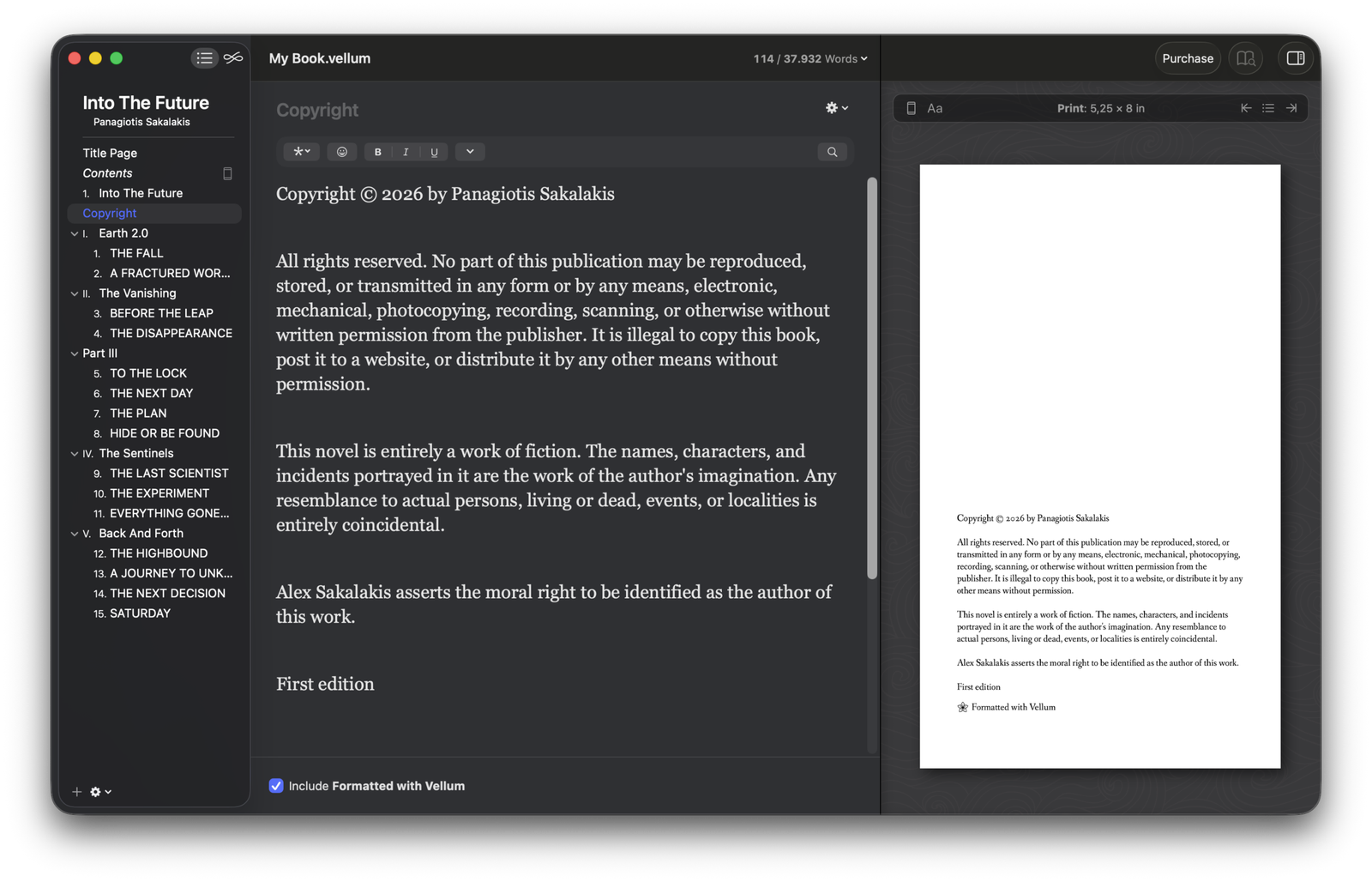
I know a couple of people who bought a MacBook just so they can use Vellum and format their books with it – yes, it’s good. The great news is that Vellum gives you a free version that includes all of its features and no restrictions apart from exporting your manuscript. That means that you can use it for as long as you want and pay once you’re ready to hit that ‘export’ button.
As a native macOS-only app, it’s absolutely fast, smooth, and (for me at least) bug-free. Apart from that, what I loved about this app since the first time I launched it was how minimal and easy it is to use, along with how beautiful it makes your books look without changing a single setting. I mean, there’s a reason so many popular authors are using it for book formatting; it’s a formatting king.
Of course, keeping things that minimal comes with issues, such as having way fewer formatting options than other alternatives like Atticus and not even supporting basic things like headings (H2, H3, H4, etc.). As for pre-made templates, you get 20+ that, while they look professional and absolutely stunning, offer just a small selection of options to adjust them, such as choosing different headings and dropcaps, changing the header and footer, backgrounds and borders, and a few options for the body.
Just because it misses a lot of formatting options, I went in the end with Atticus instead – but if you like the works that you’ve seen from other authors who formatted their books with Vellum, go ahead and give it a good spin – it’s completely free to use.
Ulysses (Free & Pro)
Available for: macOS, iPadOS, and iOS.
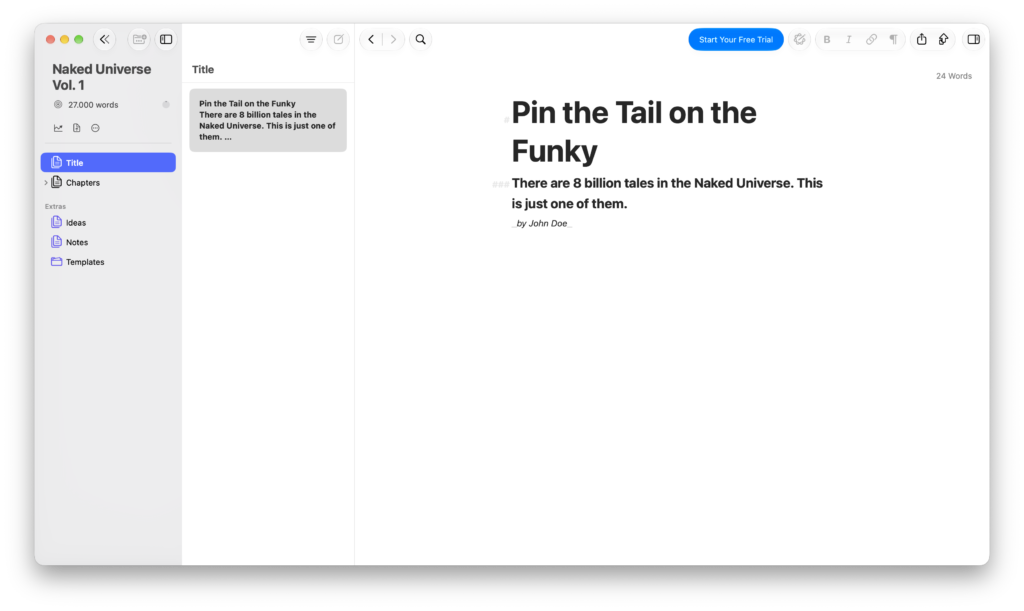
There are so many good things to say about Ulysses. First things first, the interface is just minimal, modern, and easy on my eyes to look at. The app has been built around Markdown, and while it’s a writing app first and a formatting app second (something like The Novelist), it can export to PDF, DOCX, EPUB, HTML, and Markdown. It also offers additional publishing options for those who use it to blog and send their posts to WordPress, Ghost, and Medium.
When it comes to writing, Ulysses allows you to write in plain text with its simple Markdown formatting options, and you can organize everything into “sheets” and groups inside its library. Of course, you can organize your chapters into parts, and in general, using it for multiple different projects is easy and well-thought-out.
Personally, I had a hard time learning its interface, and at first I couldn’t even figure out how to delete the example work they added or create my own. It took me a couple of hours to finally be able to navigate through its UI, but once I did, the experience was better than most writing apps I’ve used so far.
Reedsy (Free & Pro)
Available for: Any device with a web browser.
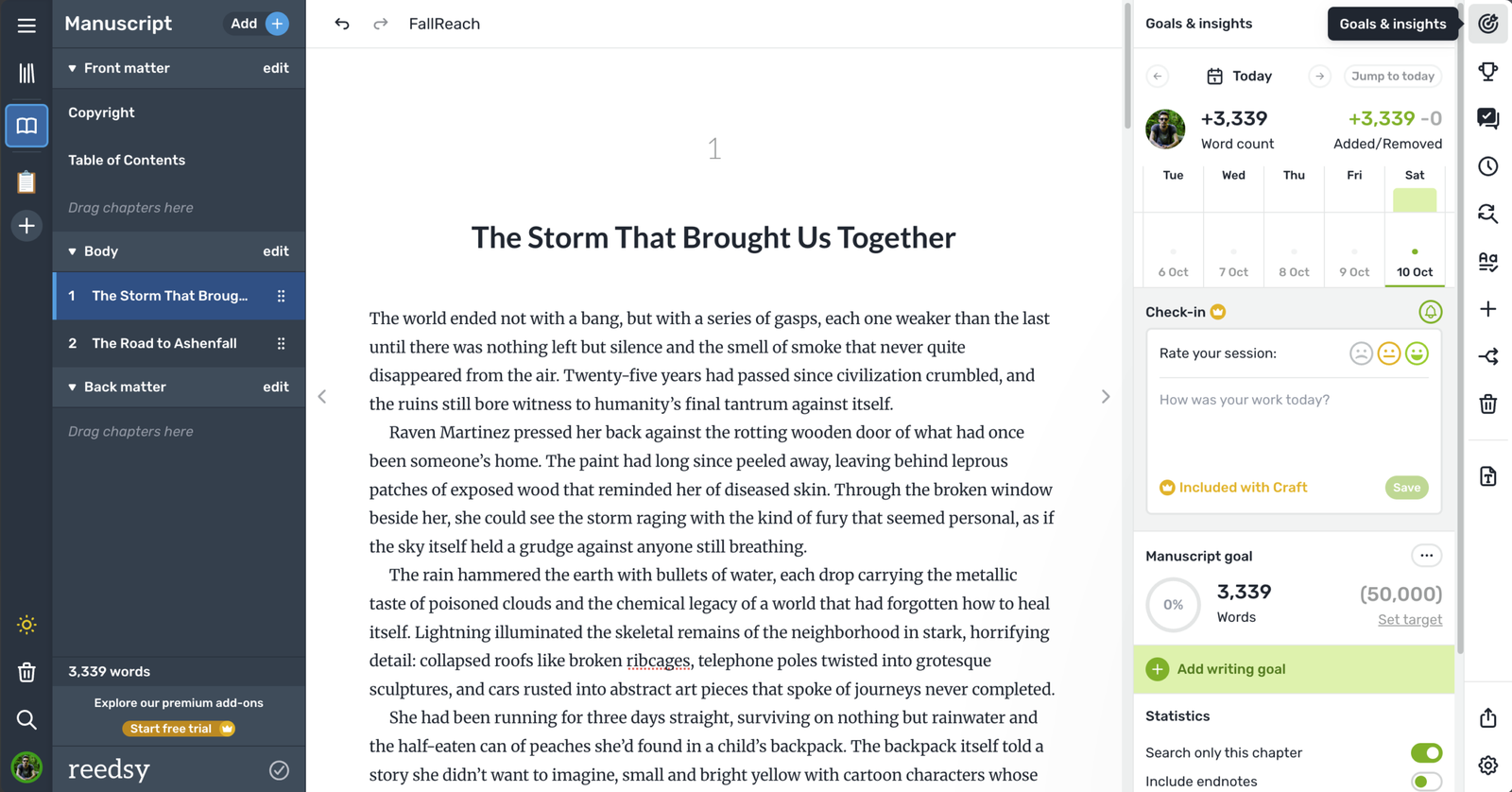
There are so many good things to be said about Reedsy, but also a lot of things that are currently missing. First things first, Reedsy is absolutely one of the best options if your budget is zero cents. While it has its own subscriptions, the free version is good enough to write, format, and export your books in EPUB 3 or as a Print-Ready PDF.
This one is web-based, so there’s no application to install as it runs through your web browser, and it comes with a clean and minimal interface that pretty much anybody can use. Of course, unlike most alternatives that I’ve mentioned in this article, Reedsy has very few options and doesn’t come with a Book Previewer, offline support, or the hundreds of formatting options you’ll find in Atticus. It also misses all the worldbuilding features that you’ll see in apps like The Novelist and Scrivener, but for most authors, it should be fine.
While writing a book, you also get some cool features like goals and insights, challenges that you can enroll in, add comments and track changes, a writing timeline, a find and replace tool, a spell checker, and more. Since it’s free, even if you don’t end up liking it, you can just delete your work and move on, but I’d highly recommend it to most people.
Comparing the apps with each other
A comparison table is always useful when I’m looking for a specific kind of app, so here’s one comparing all of the worldbuilding and writing software I mentioned in this story (it may help you choose more easily):
Complete comparison table
| Application | Best for | Platforms | Organization | Worldbuilding | Offline | Exporting | Price |
|---|---|---|---|---|---|---|---|
| The Novelist | Novelists and worldbuilders | Windows, macOS, Linux | Books, parts, chapters, notes, research | Dedicated Story Bible, characters, locations, events, organizations, secrets, entity links | ✅ Local-first | DOCX, MD free; EPUB, PDF, HTML Pro | Free / €39.99/year Pro |
| Obsidian | Customizable writing and knowledge management | Windows, macOS, Linux, iOS, Android | Markdown notes, folders, backlinks, Canvas | Excellent with custom templates, linked notes and plugins | ✅ Local-first | Markdown, PDF; plugins for additional formats | Free; optional Sync from $4/month |
| Scrivener | Serious long-form manuscript drafting | Windows, macOS, iOS | Binder, corkboard, outliner, metadata, snapshots | Character/location templates, reference documents, custom metadata | ✅ Yes | DOCX, EPUB, PDF and more | $59.99 one-time per desktop platform |
| Atticus | Self-publishing authors | Windows, macOS, Linux, browser and other supported devices | Books, chapters, goals | Limited dedicated tools | ✅ Supported, with cloud-backed workflow | EPUB, print PDF, DOCX | $147 one-time |
| Vellum | Professional-looking book formatting | macOS only | Book sections and chapter ordering | No dedicated system | ✅ Yes | EPUB; print PDF with Press | $199.99–$249.99 one-time |
| Ulysses | Distraction-free writing | macOS, iPadOS, iOS | Sheets, groups, keywords, goals | Basic, through organized documents | ✅ Yes | EPUB, DOCX, PDF, HTML; blog publishing | $39.99/year or $5.99/month; perpetual option available |
| Reedsy Studio | Free manuscript creation, collaboration and formatting | Web browser | Chapters, goals, boards, outlining | Templates, notes and attributes; expanded in paid add-on | ❌ No | EPUB, print-ready PDF free | Free; paid add-ons from $4.99/month |
Do keep in mind that their prices may change or may include VAT after you add them to your cart, so take a look yourself first.
Why using two apps is sometimes better
Sometimes, an app may offer specific features that will make your writing life easier, while others will offer formatting and exporting options that just make sense to use once you’re done writing your book.
Personally, for the most part, I was using Obsidian for worldbuilding and writing (before moving all my work to The Novelist), and I purchased Atticus for formatting and exporting my books.
Once The Novelist starts offering more robust formatting options (which are currently in its roadmap), then I’ll be using just this one, since I hate having my work on another company’s or developer’s server.
That’s not a lack of trust, to be honest, but rather a security and privacy concern that I have as a developer with almost two decades of experience. I’ve had to set up, configure, and keep maintaining hundreds of servers in my life, and I know exactly how a little [security] hole can get you hacked.
So this is exactly why I prefer using privacy-focused and local-first apps. But that’s me. Depending on your needs and personal preferences, there are many great solutions that can work for your worldbuilding and book-writing or formatting, even if that means storing your work on a server (which, of course, comes with its benefits because it offers synchronization between all of your devices).
Which app do you use for worldbuilding and writing? Do you use a single app or multiple apps? Let me know in the comments down below, and don’t hesitate to recommend the tools that you’re currently using and you’re happy with.