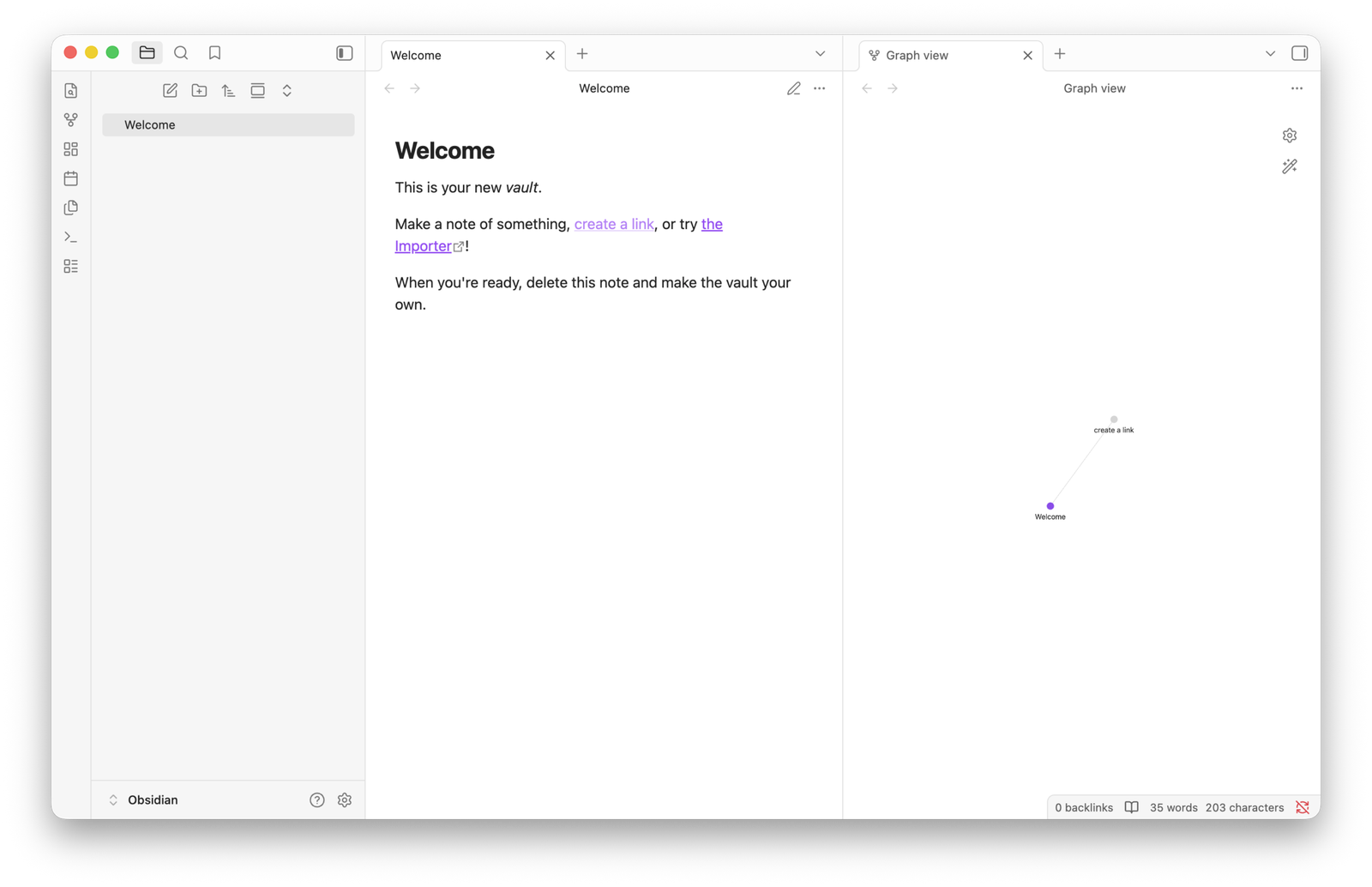
Created during the COVID-19 pandemic by Shida Li and Erica Xu, Obsidian’s first beta release came on March 30, 2020, and the first 1.0.0 version was released on October 13, 2022. It’s a personal knowledge base and note-taking app that fully supports and operates on Markdown files, and one that people often characterize as “your second brain”.
Obsidian is free to download and use, and it’s open-source, meaning anyone can download and see its whole code, build upon it, and share it with the world. Thousands of people are helping make Obsidian better by creating and offering their own plugins and themes, or even whole Vaults.
Obsidian is available for Windows, macOS, Linux, Android, and iOS.
Because it’s open-source and works locally, Obsidian doesn’t collect or store your data, documents, or anything that you include in your Vaults in their cloud servers. They do only if you choose to get one of their premium tiers, but you always have the choice to choose an alternative way, such as storing them in your own self-hosted cloud platform (e,g, NextCloud) or on Google Drive, Dropbox, Microsoft OneDrive, Terabox, etc.
What is Markdown?
Markdown in Obsidian (and in general) is a simple way to format text using plain symbols instead of buttons, so you write normally, but add small marks to style things: for example, # Title makes a heading, **bold** makes text bold, *italic* makes it italic, and [link](url) creates a link.
The key idea is that your notes stay as clean, readable text files (no heavy formatting), but still look nicely structured when viewed in apps like Obsidian, making it perfect for writing, organizing ideas, and keeping everything future-proof.
People who don’t like Markdown format can easily install the “Editing Toolbar” plugin, which gives them all the formatting options they need (which is included in ‘The Novelist‘ Vault).
What are plugins?
If you open Obsidian’s Settings, you’ll find two options: ‘Core Plugins‘ and ‘Community Plugins‘. The first refers to the plugins that the team built and added to Obsidian, which users can enable or disable at any time.
For example, one plugin is for allowing you to record your voice and have your recordings in your notes, one for syncing your files, one for enabling bookmarking, one for file recovery, among others.
The second refers to plugins made and maintained by companies or developers from all around the world. For example, you can find plugins for drawing, for adding custom icons to your folders, setting up writing goals, changing the fonts and sizes, and so much more.
What are themes?
Obsidian comes with its own default and simple interface, and that includes everything you see in the app, from the colors, fonts, sizes, etc. You can change all of that. Either by writing your own custom code, or using a pre-made theme made by other folks.
In Obsidian’s Settings, you’ll find the ‘Appearance‘ section, where you can browse all the available themes, and you can quickly install, remove, or switch between them. Plugins such as the ‘Style Settings‘ will allow you to adjust the theme’s colors, fonts, sizes, and more, while many will give you the option to enable or disable some of their features.
What are Vaults?
In short, a Vault in Obsidian is just a folder on your computer where all your notes live. Every note you write is just a .md (Markdown) file, and all those files are stored inside one folder → your Vault.
You can have one Vault or many Vaults, depending on how you want to organize your life, and all can have different names and purposes. Personally, I love using multiple Vaults for different needs (one for storytelling and worldbuilding, one for all my ideas, thoughts, and projects, and one for my clients). Others, on the other hand, prefer having everything in one Vault. Nothing’s wrong as long as it works well for you.
If Obsidian is free, why do they offer premium tiers?
You can download, install, and use Obsidian completely for free. To help the team behind it, you can choose one of their premium tiers, which basically gives you two features: Auto synchronization and publishing files online, both of which use Obsidian’s cloud servers.
You can get both of these features for free using third-party plugins, but getting a plan means you’re significantly helping with the app’s development and future.